--- title: "Line balancing — Production intelligence | Fortune AI" description: "Compare upstream release and downstream capacity to prepare an approved balancing plan. Upstream release against downstream capacity." canonical: https://www.fortuneai.app/industries/production-operations/applications/line-balancing/ language: en --- [Production intelligence](https://www.fortuneai.app/industries/production-operations/) [Overview](https://www.fortuneai.app/industries/production-operations/)[Applications](https://www.fortuneai.app/industries/production-operations/applications/)[How it works](https://www.fortuneai.app/industries/production-operations/workflow/)[Application stories](https://www.fortuneai.app/industries/production-operations/stories/)[Buyer FAQ](https://www.fortuneai.app/industries/production-operations/faq/) [Industries](https://www.fortuneai.app/industries/) / [Production intelligence](https://www.fortuneai.app/industries/production-operations/) / Line balancing Production intelligence # Line balancing Compare upstream release and downstream capacity to prepare an approved balancing plan. 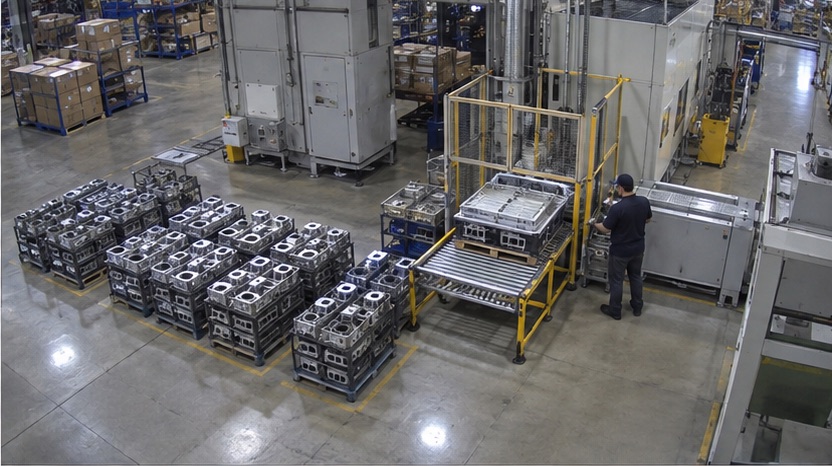 Illustrative application · Original AI-generated visual Matched sources ## A completed stage can leave the next stage waiting Batch reports hide the time between completion, transfer and restart. See where work accumulates before adding labor or equipment. ▤ ### Business records batch plans, completion events and labor schedules ◉ ### Physical evidence work-in-process dwell, transfer delays and downstream restarts Review the AI recommendation ## Line balancing Compare upstream release and downstream capacity to prepare an approved balancing plan. - **Responsible owner:** Production planning lead - **Action for approval:** approve batch release, transfer timing and line balancing - **What the team verifies:** Upstream release against downstream capacity - **Operating comparison:** the next comparable production batch How it works ## One operating question. A complete path to action. Fortune AI matches records with physical evidence and proposes an improvement. Your team approves the action and assigns its owner before the next comparable operation. 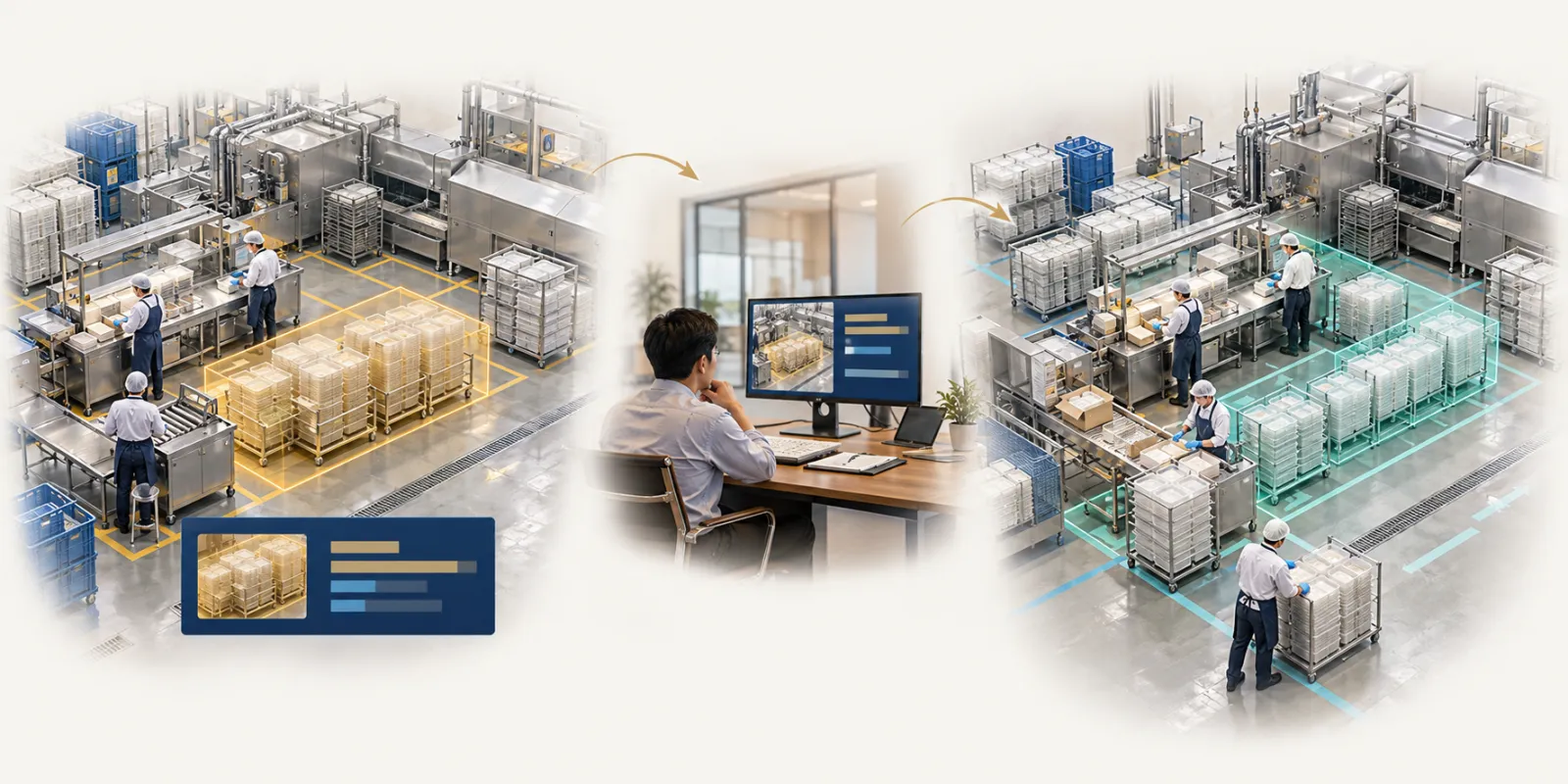 Illustrative application · Original AI-generated visual - 01 First operation Batch reports hide the time between completion, transfer and restart. See where work accumulates before adding labor or equipment. - 02 Later team review Production planning lead · approve batch release, transfer timing and line balancing - 03 Next comparable operation Verify cycle time, work-in-process dwell and throughput after the approved change. [How it works ↗](https://www.fortuneai.app/industries/production-operations/workflow/)[Application stories ↗](https://www.fortuneai.app/industries/production-operations/stories/)[Buyer FAQ ↗](https://www.fortuneai.app/industries/production-operations/faq/) Applications ## Explore this product [01 Cycle time analysis ↗](https://www.fortuneai.app/industries/production-operations/applications/cycle-time-analysis/) Separate work, waiting and processing by stage with the associated video interval. [03 Root cause analysis ↗](https://www.fortuneai.app/industries/production-operations/applications/root-cause-analysis/) Link work-in-process dwell to batches, product mix and observed transfer delays. [04 Throughput & labor productivity ↗](https://www.fortuneai.app/industries/production-operations/applications/throughput-labor-productivity/) Compare completed output and paid time under the same run conditions. Fortune AI ## Bring one operating question. See your records, the relevant scene and an accountable next action in one review. [Request a demo ↗](https://www.fortuneai.app/book/)