--- title: "Gym Analytics, Class Attendance & Facility Operations | Fortune AI" description: "Connect gym occupancy analytics, court bookings and class attendance with the club floor. Improve equipment availability, assign maintenance and bring SAFE SWIM pool alerts into the facility workflow." canonical: https://www.fortuneai.app/industries/fitness-operations/ language: en --- [Gym analytics](https://www.fortuneai.app/industries/fitness-operations/) [Outcomes](#buyer-outcomes)[Product demo](#product-demo)[How to use](https://www.fortuneai.app/industries/fitness-operations/workflow/)[Use cases](#buyer-use-cases)[Deployment & pricing](#buyer-implementation) [Industries](https://www.fortuneai.app/industries/) / Fitness club operations # Build a better gym around real member demand Connect gym occupancy analytics, court bookings and class attendance with the club floor. Improve equipment availability, assign maintenance and bring SAFE SWIM pool alerts into the facility workflow. [Request a demo](https://www.fortuneai.app/book/?industry=fitness)[Watch product demo](#product-demo) 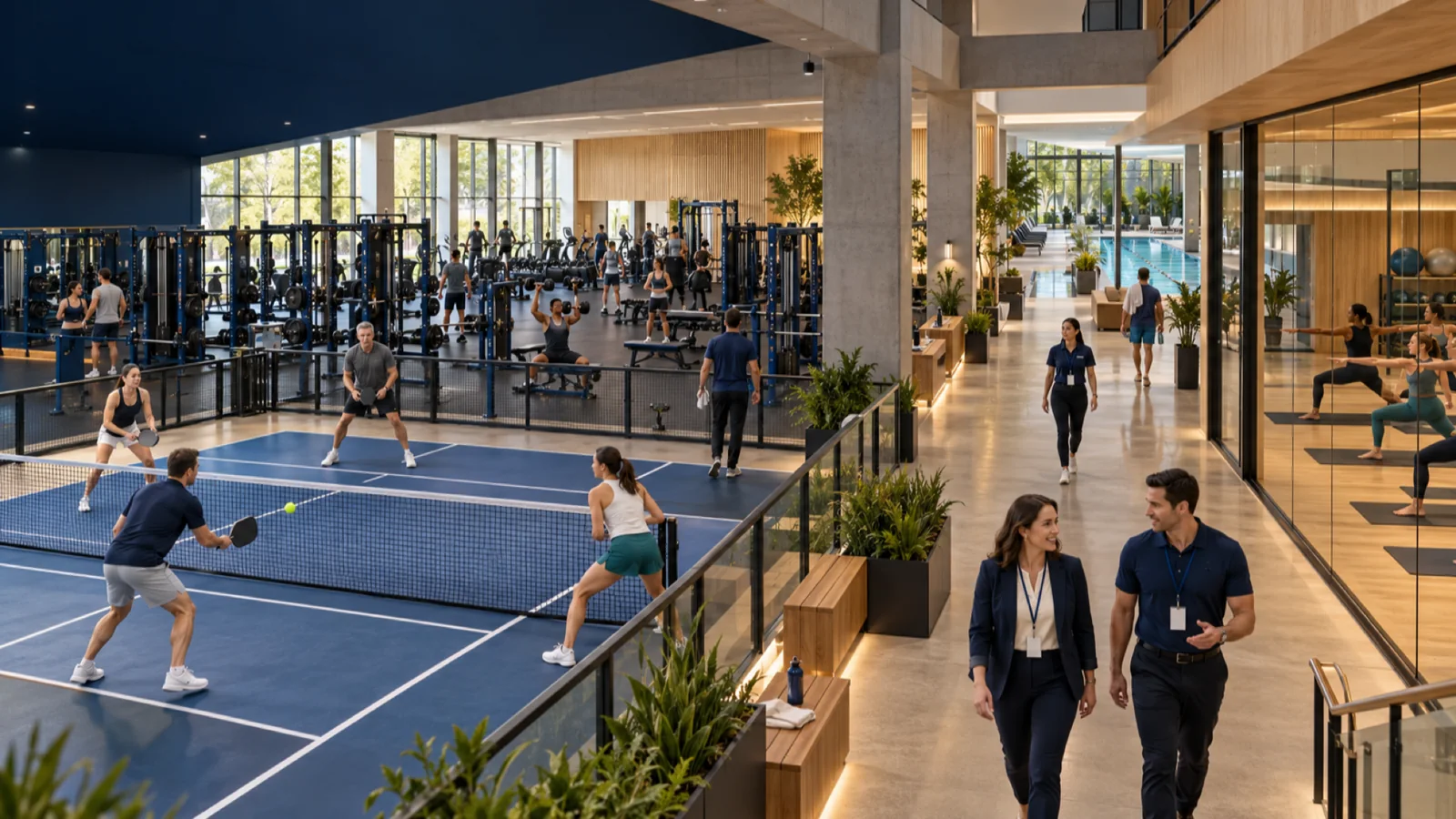 ## What your team can improve - [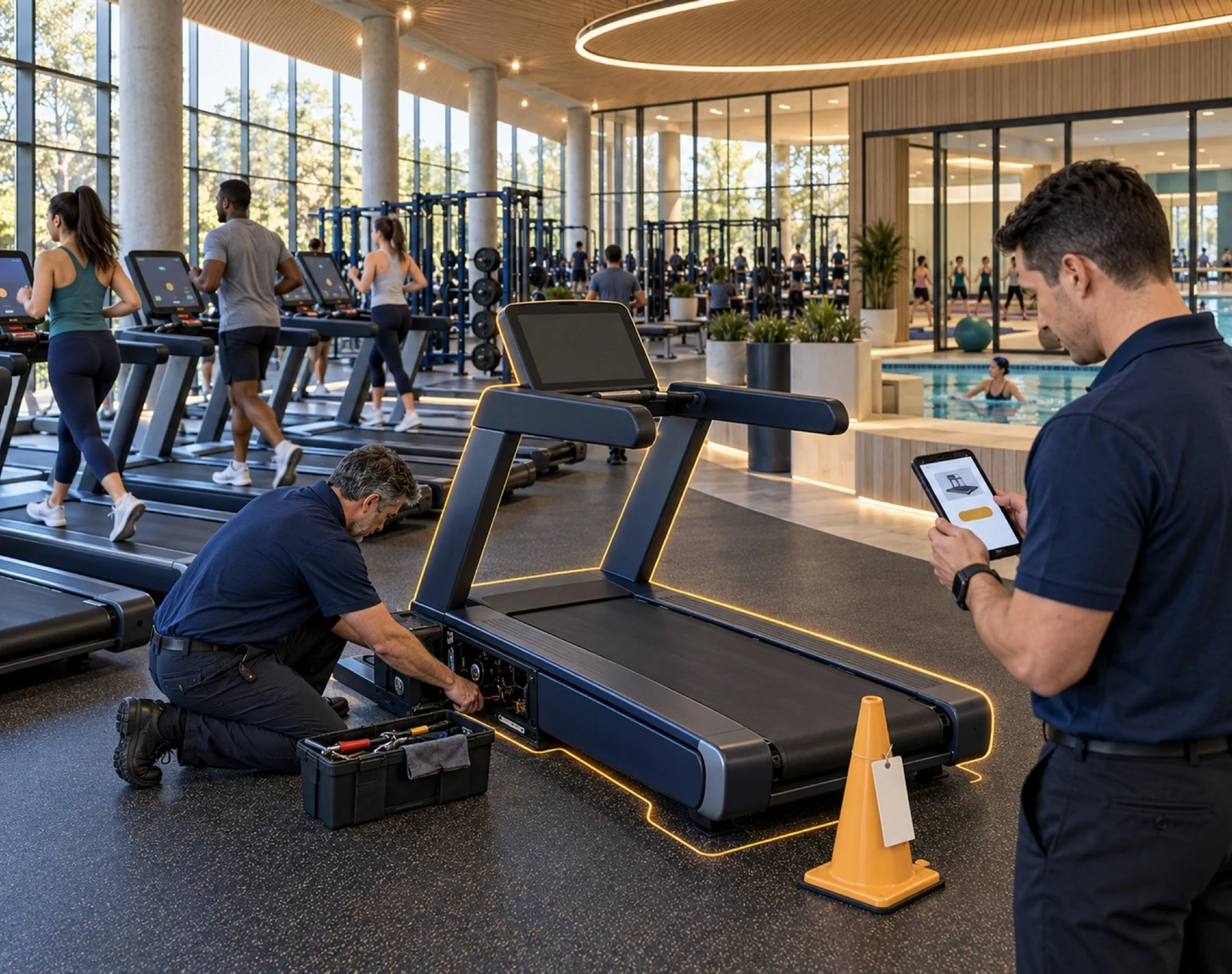 Keep equipment available Separate unused equipment from stations awaiting repair. Explore use case](https://www.fortuneai.app/industries/fitness-operations/applications/equipment-maintenance/) - [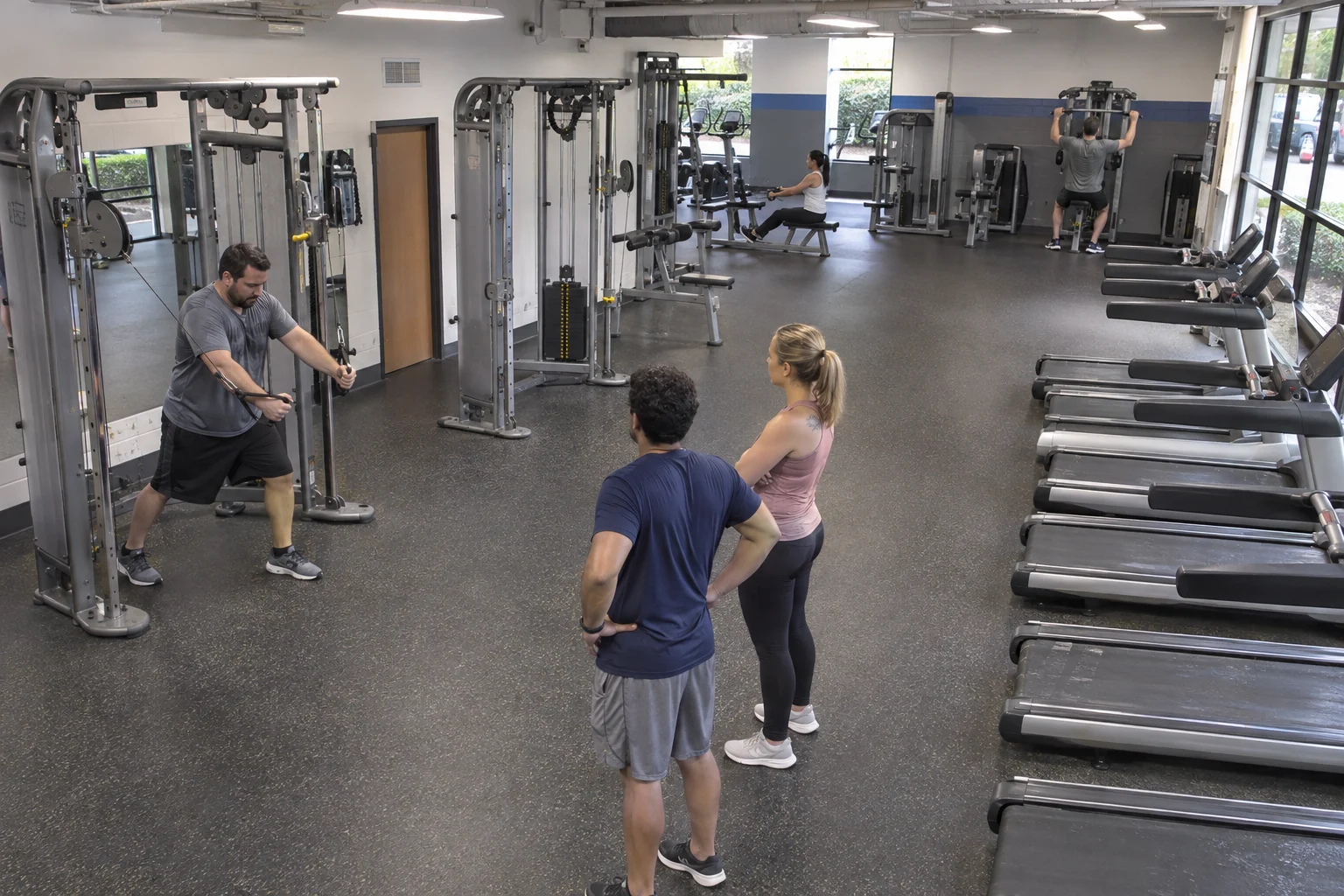 Plan equipment investment Compare equipment usage, idle time and peak demand by machine. Explore use case](https://www.fortuneai.app/industries/fitness-operations/applications/equipment-utilization/) - [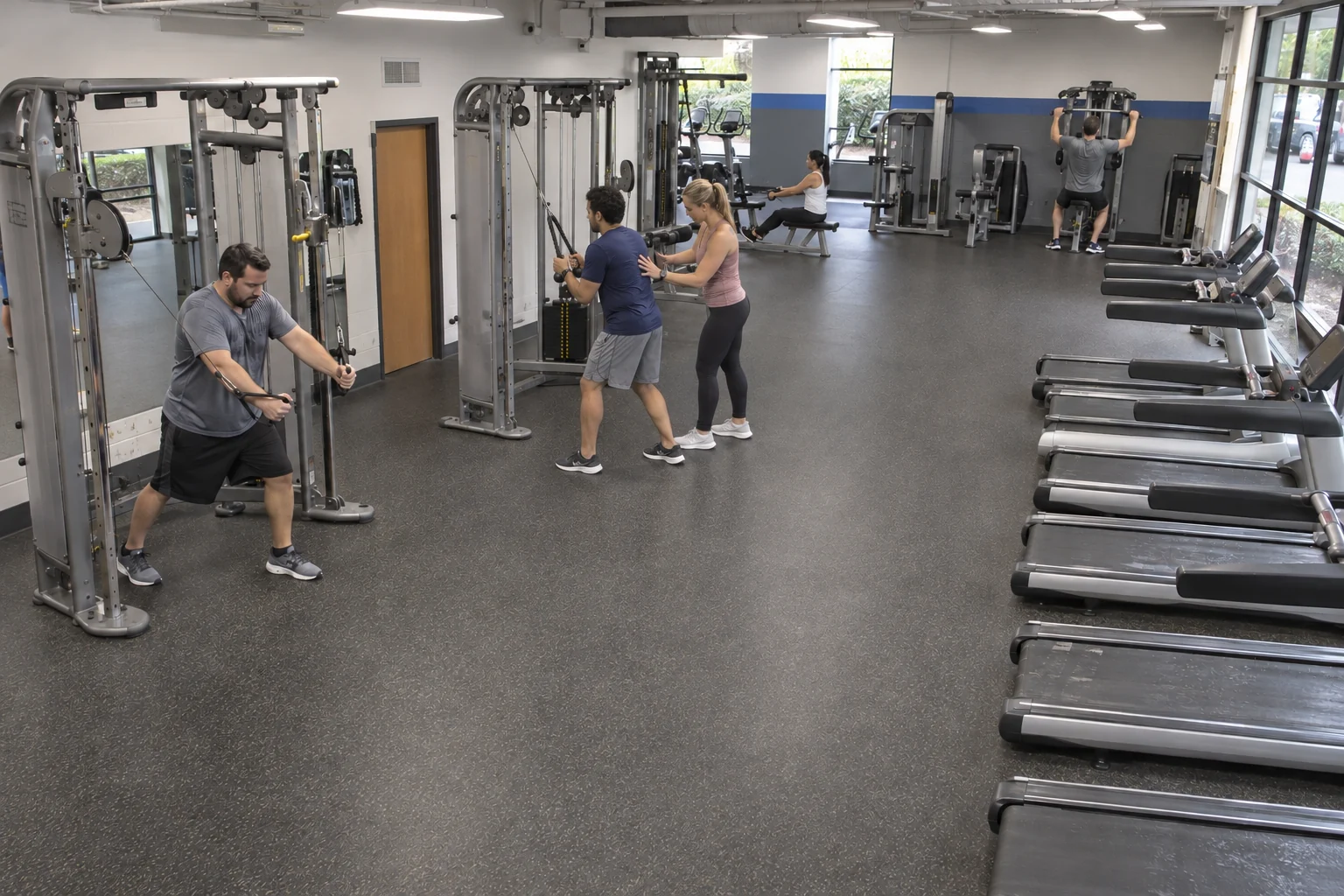 Ease peak-time congestion Identify full workout zones and waiting at popular stations. Explore use case](https://www.fortuneai.app/industries/fitness-operations/applications/member-experience/) Inside Fortune AI Set the review scope The operating question ## Which equipment is used — and which sits idle? Gym analytics Ask the question ### Start with the operating question Choose the site, zone and period. Ask the question your team needs answered. Matched evidence - Member check-ins, court and class bookings, schedules, work orders and pool response records - Equipment and court use, class headcount, peak waits, availability and pool-zone events Inspect the evidence ### See the records and the relevant scene Inspect linked records and camera evidence from the same operating period. Accountable action - Club or facility manager - approve space and class changes, assign maintenance and connect pool alerts to lifeguards Review the next action ### Review the action and the result to compare The club or facility manager approves the change and assigns responsibility. Compare results in the next comparable club peak or class cycle. Outcome comparison - Equipment utilization by zone and time of day - the next comparable club peak or class cycle Owner: Club or facility manager ## How your team uses Fortune AI [View full product walkthrough](https://www.fortuneai.app/industries/fitness-operations/workflow/) - [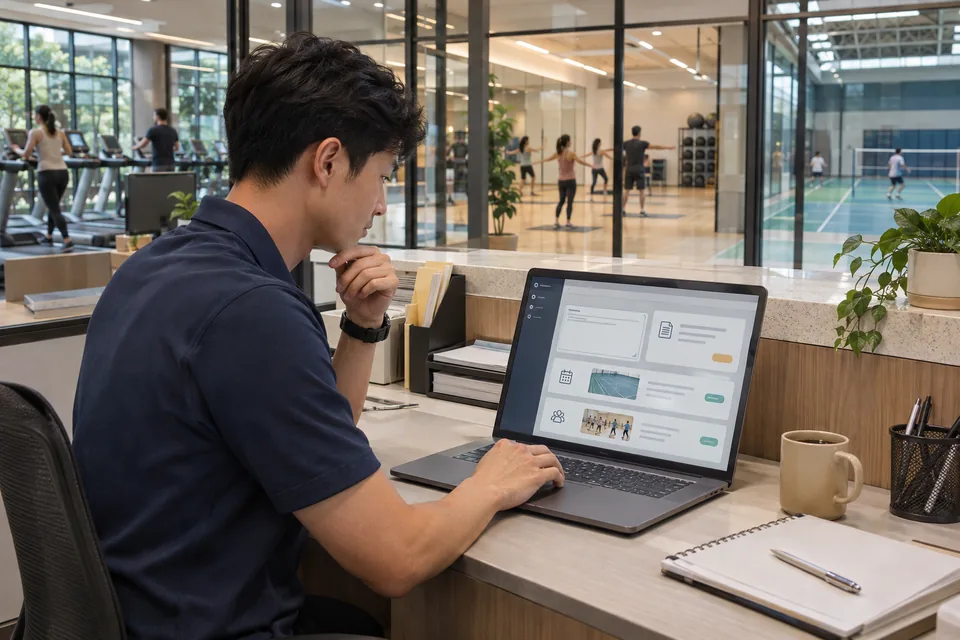 01 Build a rule in plain language Describe the operating goal. View this step](https://www.fortuneai.app/industries/fitness-operations/workflow/configure/) - [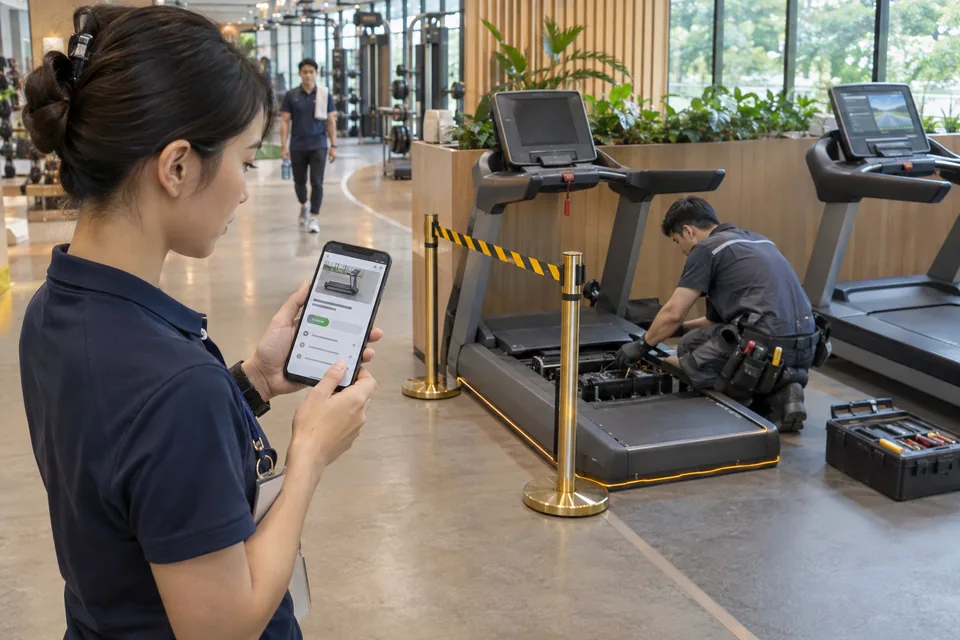 02 Route a verified event to its owner Connect the event, supporting evidence and next action. View this step](https://www.fortuneai.app/industries/fitness-operations/workflow/respond/) - [ 03 Turn evidence into reports and next actions Ask a question or schedule a report. View this step](https://www.fortuneai.app/industries/fitness-operations/workflow/report/) Explore the product conversation Product demo ## See gym analytics in action Review the evidence. Approve the plan. Verify the next comparable operation. - 01 · Ask Which equipment is used — and which sits idle? - 02 · Verify Review the interval and supporting footage - 03 · Compare Test peak equipment use on matched periods Which equipment is used — and which sits idle? Peak demand is uneven across zones. Review the camera evidence, the measured peak equipment use, and the next action: rebalance layout and maintenance. ## Find the workflow you want to improve 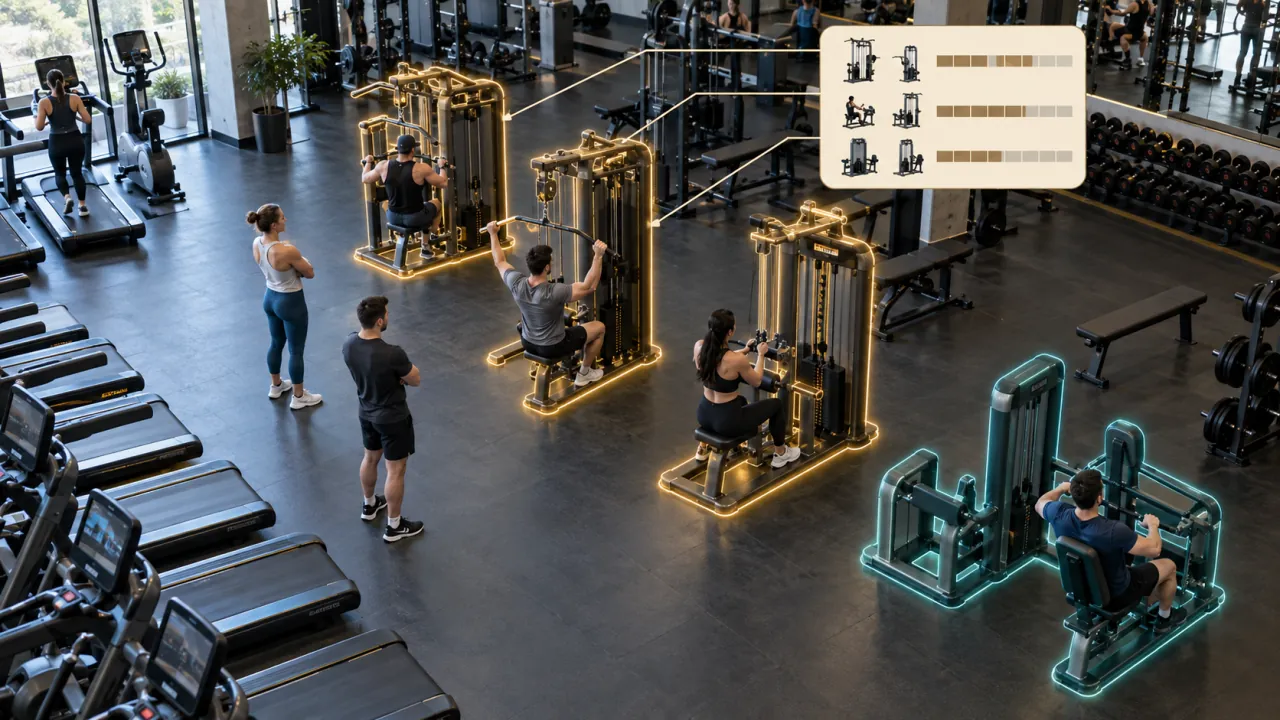 ### Equipment utilization & purchasing Compare equipment usage, idle time and peak demand by machine. What your team changes At the later investment review, assess a rebalance of existing equipment before a purchase. Result to review Equipment utilization by zone and time of day [Application detail](https://www.fortuneai.app/industries/fitness-operations/applications/equipment-utilization/)[Read the operating story](https://www.fortuneai.app/industries/fitness-operations/stories/equipment-utilization/) View all 8 applications - [Equipment utilization & purchasing](https://www.fortuneai.app/industries/fitness-operations/applications/equipment-utilization/) - [Space, court utilization & energy workflows](https://www.fortuneai.app/industries/fitness-operations/applications/space-occupancy/) - [Capacity planning](https://www.fortuneai.app/industries/fitness-operations/applications/capacity-planning/) - [Peak congestion & member access](https://www.fortuneai.app/industries/fitness-operations/applications/member-experience/) - [Class attendance & booking no-shows](https://www.fortuneai.app/industries/fitness-operations/applications/class-attendance/) - [Equipment maintenance & availability](https://www.fortuneai.app/industries/fitness-operations/applications/equipment-maintenance/) - [Facility issues & corrective tasks](https://www.fortuneai.app/industries/fitness-operations/applications/facility-tasks/) - [SAFE SWIM pool safety](https://www.fortuneai.app/industries/fitness-operations/applications/pool-safety/) [Browse the application library](https://www.fortuneai.app/industries/fitness-operations/applications/)[More operating stories](https://www.fortuneai.app/industries/fitness-operations/stories/) ## Plan the rollout, scope and cost Review camera and data connections, the operating scope, costs and ownership. [See the implementation path](https://www.fortuneai.app/work-with-us/) ### What is included in rollout and ongoing support? Receive an itemized scope, camera/data map, acceptance examples, training and support contact. Confirm hardware, integration, retention, subscription and support costs with milestones and responsibilities. What to measure Scope, acceptance evidence, costs and escalation owner. ### How is an on-site deployment scoped and validated? Start with a one-day on-site demo in one area, then a POC on your own cameras. Agree the named sites, workflow, data connections and acceptance measures before go-live. Itemize on-site hardware, integration, subscription, training and support responsibilities. Review the source evidence, operating workflow and matched-period results before expansion. [Build a rule in plain language](https://www.fortuneai.app/industries/fitness-operations/workflow/configure/) ### What scope and privacy requirements should we agree on? Select camera, radar, and available equipment data for the agreed measurement. Fault causes and repair status require maintenance records. Agree on monitored areas and access permissions; private spaces such as changing rooms are excluded. [All questions for this industry](https://www.fortuneai.app/industries/fitness-operations/faq/) ## Bring one operating question See your records, the relevant scene and an accountable next action in one review. [Request a demo](https://www.fortuneai.app/book/) [Application stories](https://www.fortuneai.app/industries/fitness-operations/stories/#fitness-pain-title)[How it works](https://www.fortuneai.app/industries/fitness-operations/workflow/#event-review)[How it works](https://www.fortuneai.app/industries/fitness-operations/workflow/#industry-chat-history)[How it works](https://www.fortuneai.app/industries/fitness-operations/workflow/#review-question-1)[How it works](https://www.fortuneai.app/industries/fitness-operations/workflow/#review-question-2)[How it works](https://www.fortuneai.app/industries/fitness-operations/workflow/#review-question-3)[Buyer FAQ](https://www.fortuneai.app/industries/fitness-operations/faq/#buyer-questions)[Buyer FAQ](https://www.fortuneai.app/industries/fitness-operations/faq/#buyer-questions-title)[Buyer FAQ](https://www.fortuneai.app/industries/fitness-operations/faq/#fitness-equipment-wait)[Buyer FAQ](https://www.fortuneai.app/industries/fitness-operations/faq/#fitness-space-allocation)[Buyer FAQ](https://www.fortuneai.app/industries/fitness-operations/faq/#fitness-maintenance-priority)[Buyer FAQ](https://www.fortuneai.app/industries/fitness-operations/faq/#fitness-occupancy-utilization)[Buyer FAQ](https://www.fortuneai.app/industries/fitness-operations/faq/#fitness-review-without-dashboard-overload)