--- title: "Retail Foot Traffic Analytics for Store Performance | Fortune AI" description: "Connect POS and staffing data with store activity to improve conversion, service and labor productivity." canonical: https://www.fortuneai.app/industries/retail-operations/ language: en --- 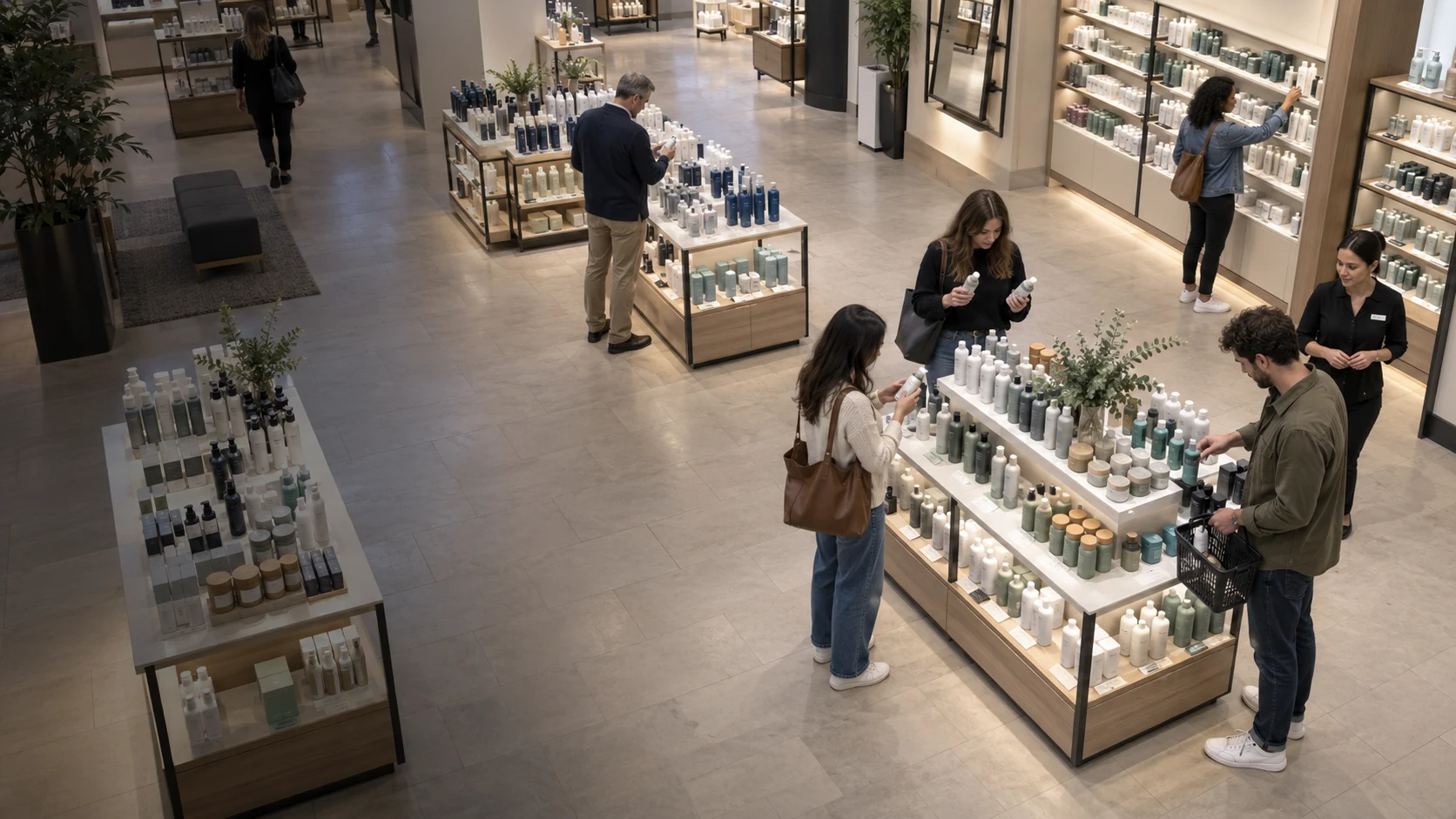 [Industries](https://www.fortuneai.app/industries/) Retail operations Retail operations # Improve conversion, service and store productivity Connect POS, staffing and customer flow to understand where stores lose sales opportunities. Use AI recommendations to improve service coverage, merchandising and performance across locations. [Request a demo](https://www.fortuneai.app/book/?industry=retail) Across the retail floor ## Turn store demand into profitable service Staffing decisions, store layouts and service availability shape conversion and operating costs. Fortune AI connects sales records with store conditions so retail leaders can prioritize changes and compare results across locations. [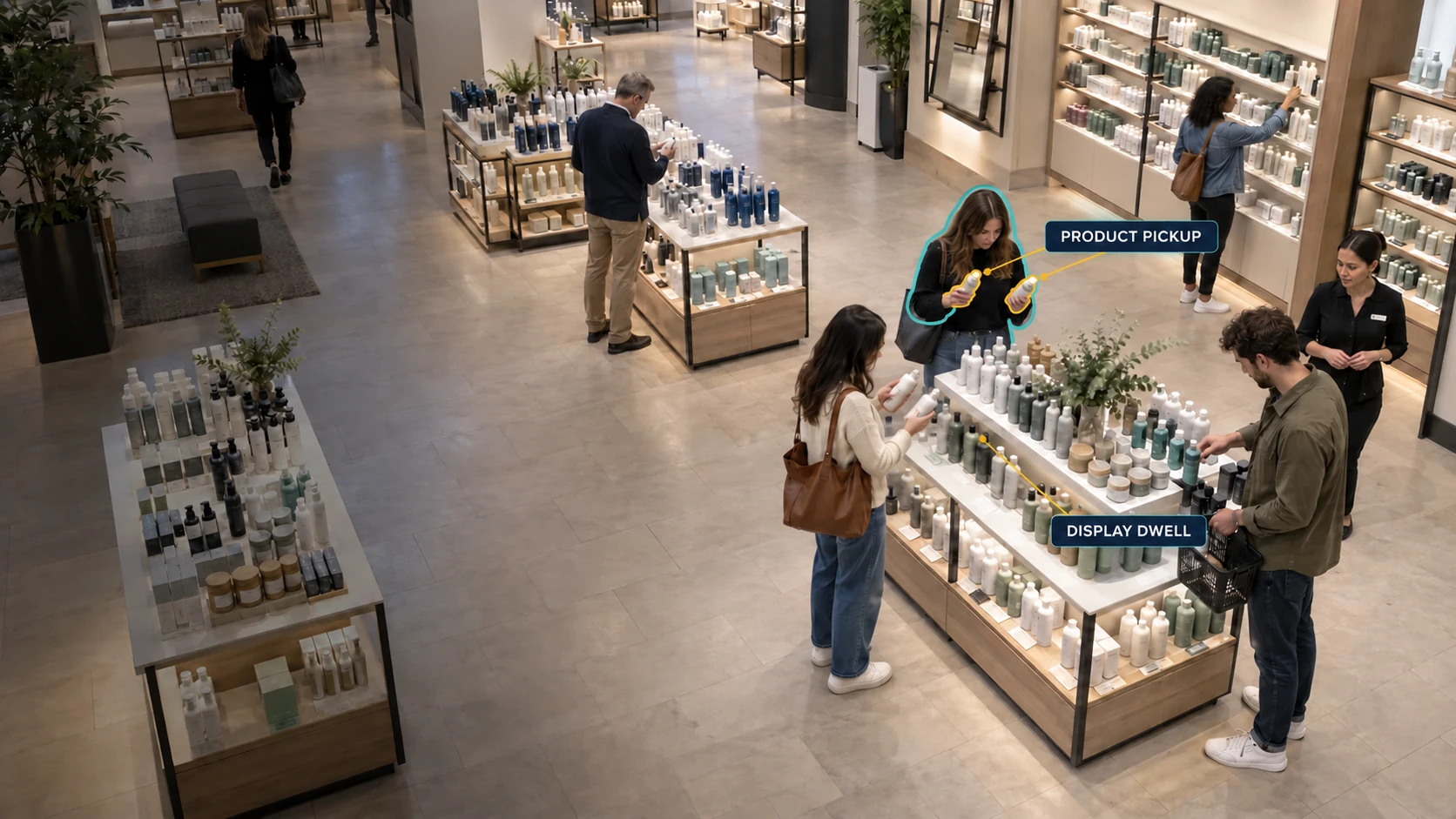](https://www.fortuneai.app/assets/retail-story/product-interaction-ai-v1.webp) 01 · Product interaction ### Which displays invite a closer look? Measure visible pickup, return, and dwell at agreed fixtures. Compare display activity by hour and campaign; connect to authorized SKU and sales records when product-level or sell-through questions matter. Decision: Review engagement beside stock and sales context before changing a display. Visible activity by fixture and trading period [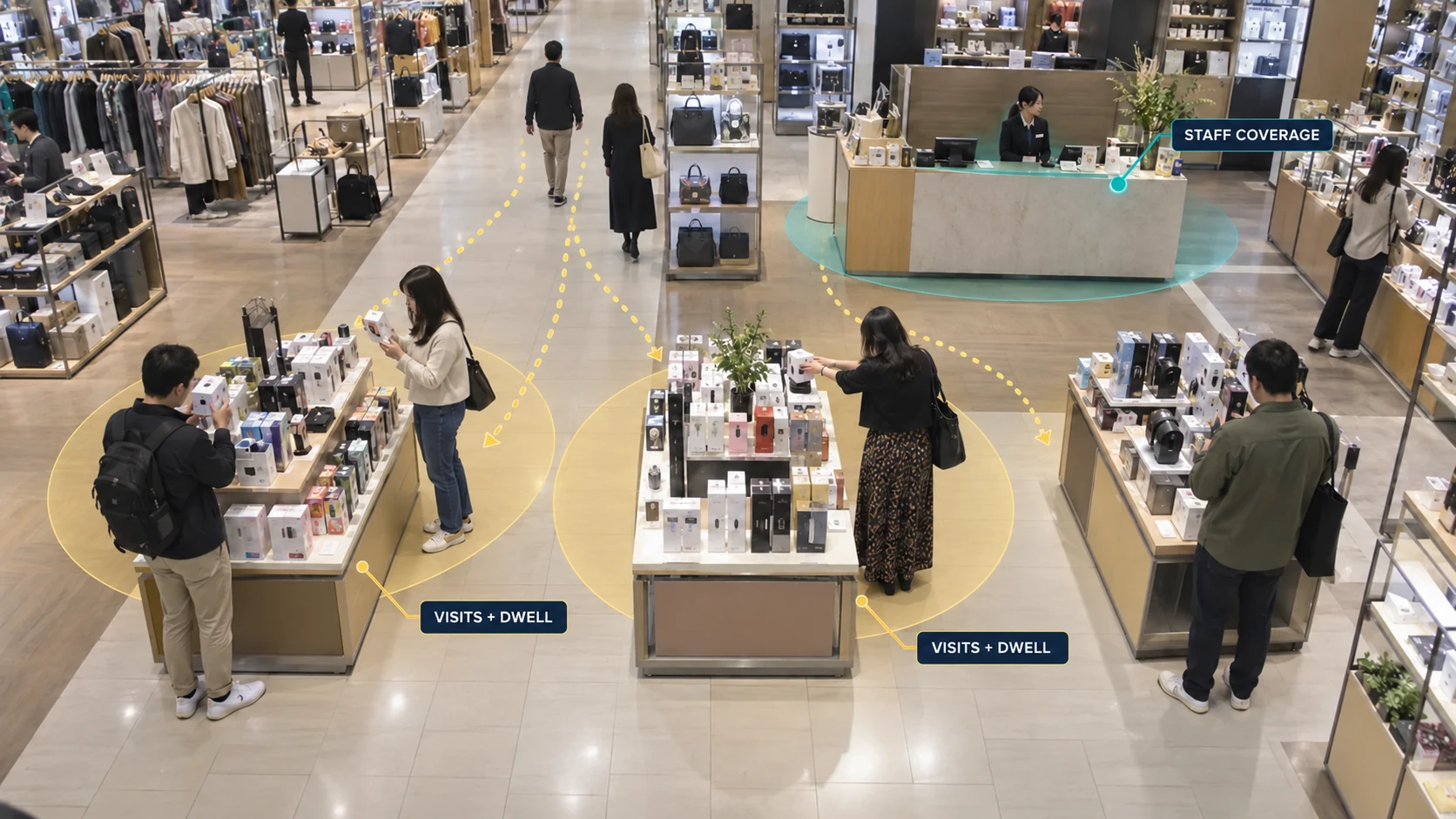](https://www.fortuneai.app/assets/retail-story/counter-traffic-ai-v1.webp) 02 · Mall counter traffic ### Which counters draw the most visits? Count visits and dwell at selected department-store counters and storefront thresholds. Compare nearby service coverage during the same peak without identifying individual shoppers. Decision: Move staff or test a counter layout where demand and coverage diverge. Counter visits, dwell, and coverage by hour One view across the floor ### Connect engagement to the next retail decision Start with a visible fixture, counter, or storefront. Define pickup and visit events on the supported view, then compare matched periods after a display or staffing change. Camera activity shows interaction; authorized POS and inventory records establish sales and product identity. [Read the retail queue analytics guide](https://www.fortuneai.app/resources/retail-queue-analytics/) - Fixture + time - Counter traffic + coverage - Authorized sales context Product demo ## One question becomes evidence your store can act on. Compare waiting time and staff coverage with the camera evidence. Find the service point that needs attention. - 01 · Ask Where did customers wait longest? - 02 · Verify Review the period and supporting footage - 03 · Compare Test the change on matched periods The demo types the question Where did customers wait longest today. Only after the question is complete, Fortune AI reviews matched checkout periods. The answer identifies the service desk, attaches the supporting camera view, and shows the measured change in observed wait from eight to four minutes. From demand to staffing ## Open the next counter before the wait builds Use the result to move staff at the right time and place [01 When are too few counters open? Queue](#review-question-1) [02 What changed when another counter opened? Evidence](#review-question-2) [03 When should we move staff to checkout? Staffing](#review-question-3) Fortune AI Agent Service review · Checkout You When are too few counters open? Fortune AI ### The queue grows before the after-work peak In this example, one counter is open as demand rises; the queue clears after a second opens - **Peak window:** 17:30 - **Open counters:** 1 of 3 - **Queue growth:** 12m before peak You What changed when another counter opened? Fortune AI ### Compare the queue before and after Review arrivals, active counters, and service starts to see whether added coverage helped clear the wait 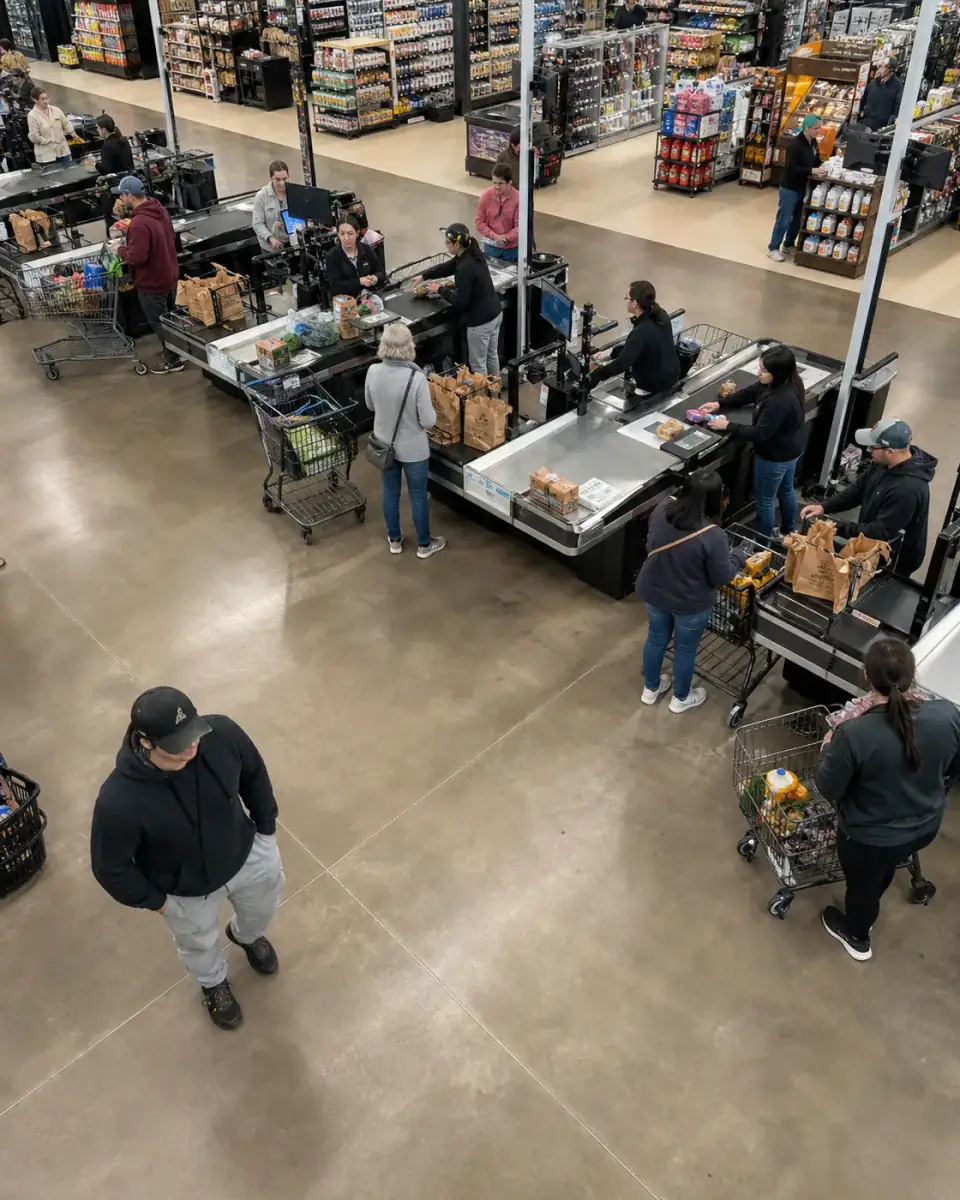 Sample camera view Exact footage stays attached to each reviewed event You When should we move staff to checkout? Fortune AI ### Review coverage before 17:30 At a later planning review, the store lead approves peak-hour coverage. Compare assistance, waiting and POS results on the next similar shift. Across the store ## Manage the drivers of store performance Use operating evidence to improve conversion, service and labor productivity. Operating context Match POS and staffing data to store activity. Approve AI recommendations at a later review, then verify the change during the next comparable trading period. Further reading - [Watch the retail operations demo](https://www.fortuneai.app/videos/retail-queue-analytics-demo/) - [retail queue analytics guide](https://www.fortuneai.app/resources/retail-queue-analytics/) - [regional grocery analytics](https://www.fortuneai.app/industries/grocery-operations/) - [restaurant-chain use cases](https://www.fortuneai.app/industries/restaurant-operations/) - [clothing and jewelry chain use cases](https://www.fortuneai.app/industries/specialty-retail/)  [View image at full size](https://www.fortuneai.app/assets/home-scenarios/retail-product-engagement-v2.webp) 01 ### Display engagement Measure visible pickup, return and dwell at agreed displays alongside POS product sales. Review merchandising using both engagement and recorded purchases. 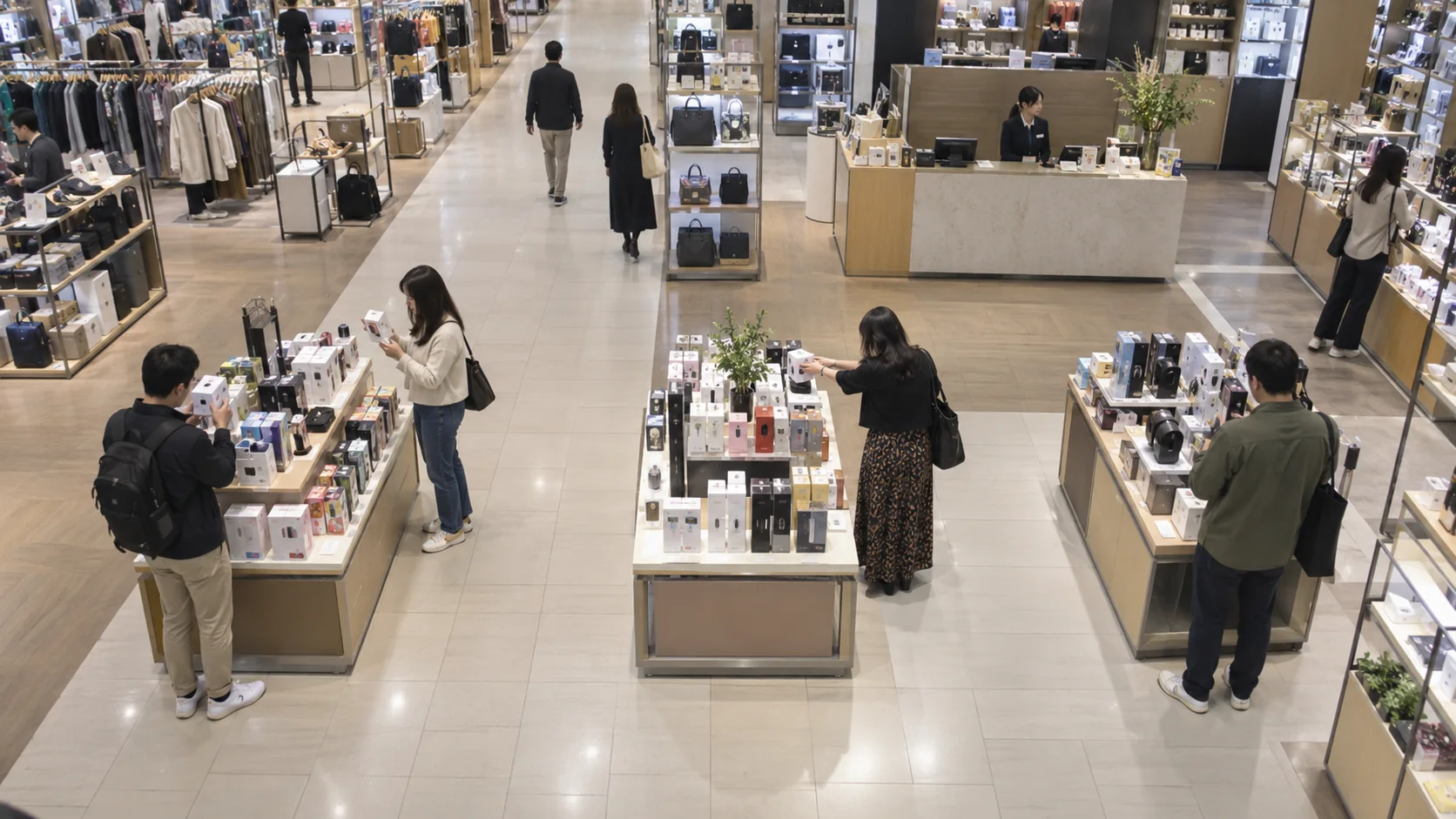 [View image at full size](https://www.fortuneai.app/assets/home-platform/retail-product-decision-v1.webp) 02 ### Foot traffic & conversion Compare store or counter visits with POS transactions over matched periods. Review service coverage against traffic and sales conversion. 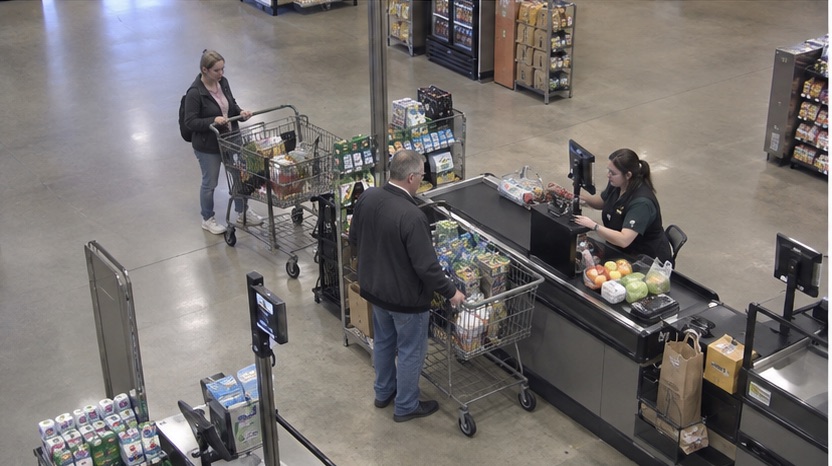 [View image at full size](https://www.fortuneai.app/assets/industry-metric-stories/retail-03.jpg) 03 ### Staffing & service time Compare interaction time, staff coverage and customer demand by counter and shift. Recommend staffing for the next demand peak. 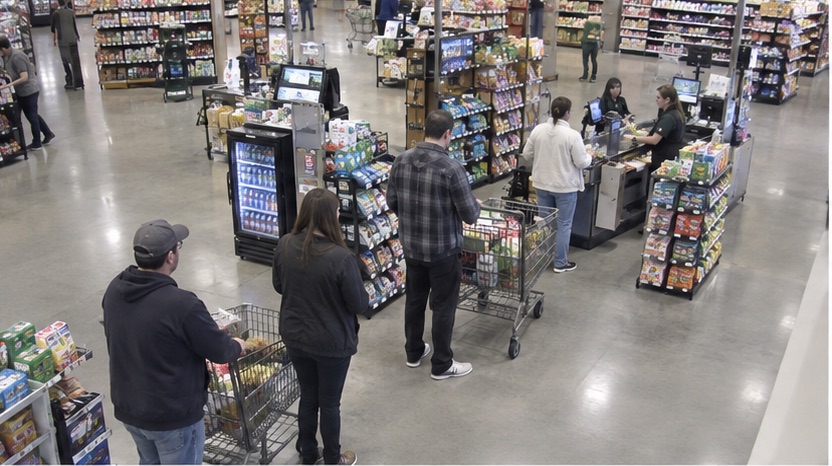 [View image at full size](https://www.fortuneai.app/assets/industry-metric-stories/retail-01.jpg) 04 ### Queue management Measure queue entry to service start alongside arrivals and active checkout counters. Verify waiting after the coverage change. Make the value testable ## Less waiting. A result you can check. A measured checkout result, calculated from matched periods before and after a staffing change. 240 customer-minutes of waiting avoided 120 customers × 2 minutes less waiting Measurement scope The measured result covers average wait falling from 6 to 4 minutes across 120 customer observations. Customer waiting time is not paid labor saved. Financial ROI needs actual staffing costs, deployment costs, and authorized transaction data; camera activity alone does not establish purchases or revenue uplift. Start with agreed entrance, sales-floor, service, or checkout views. Validate camera coverage and counting rules; do not infer identity, emotion, or purchase intent. Fitting-room interiors are excluded. Start with one service decision ## See what your existing cameras can measure [Request a demo](https://www.fortuneai.app/book/?industry=retail) FAQ ## Questions about retail and mall operations. Product interaction, department-store counter traffic, checkout service, and sales-data context. [Discuss your site's requirements](https://www.fortuneai.app/book/?industry=Retail%20and%20queues)[General questions & other industries](https://www.fortuneai.app/faq/#industry-retail-operations) ### How can teams improve conversion, service and labor productivity? Connect POS, staffing and customer flow to understand where stores lose sales opportunities. Use AI recommendations to improve service coverage, merchandising and performance across locations. AI recommends changes for a later operating review. The responsible lead approves the plan, then verifies results during the next comparable trading period. What to measure Foot traffic, POS transactions per counted visit, service waiting and labor allocation across matched trading periods. ### How do traffic and POS become a trustworthy store comparison? Align POS, staffing and foot traffic by store and trading period. Keep transaction counts in POS and pair each comparison with the relevant operating evidence, helping leaders explain conversion and service performance before approving changes. What to measure Source records, matched periods, supporting footage and reviewed findings. ### How do we scope rollout, cost and ongoing ownership? Scope the records, compatible camera views, connectors, training, costs and support responsibilities in one plan. Agree acceptance measures for conversion, service and labor productivity, a named contact and the review process before expanding across operations. What to measure Agreed scope, acceptance results, rollout costs and assigned follow-up. ### How should we evaluate a checkout pilot? - 01 · Define the wait Time queue entry to service start, separately from service duration. Record departures before service and waits still open when observation ends. - 02 · Match the periods Record day, hour, arrivals, promotions, and active counters. Report the sample count and missing footage; do not select only favorable clips. - 03 · Separate the outcomes Compare the wait distribution on matched periods. Calculate financial ROI from verified benefits and actual costs; do not count customer waiting time as paid labor saved. Agree on camera use, access, retention, and any POS integration with the store operator, then compare matched periods under the same measurement rules. [How we scope and validate a measurement](https://www.fortuneai.app/work-with-us/) ### What scope and privacy requirements should we agree on? Agree on the zones, arrival, service-start and service-end events, and active-counter definitions. Do not infer identity, emotion, or purchase intent. Fitting-room interiors are excluded. Purchase and sales analysis requires separately authorized transaction data.