--- title: "飲食店AI分析・テーブル回転・接客改善 | Fortune AI" description: "飲食店AI分析でテーブル回転と接客を改善。予約・POS・映像を入座から片付けまで連携し、実際の客数に合わせて接客、料理の提供、人員配置を整えます。" canonical: https://www.fortuneai.app/ja/industries/restaurant-operations/ language: ja --- [飲食店の運営分析](https://www.fortuneai.app/ja/industries/restaurant-operations/) [改善できること](#buyer-outcomes)[製品デモ](#product-demo)[操作方法](https://www.fortuneai.app/ja/industries/restaurant-operations/workflow/)[活用場面](#buyer-use-cases)[導入・費用](#buyer-implementation) [活用シーン](https://www.fortuneai.app/ja/industries/) / 飲食チェーン # 今のチームで、より多くのお客様へ提供する POS・KDSを実際の調理、受取、受け渡しと照合。店内・ドライブスルー・配達の変更を承認し、待ち時間、時間当たり完了注文数、注文当たり人件費を検証します。 [デモをリクエスト](https://www.fortuneai.app/ja/book/?industry=Restaurant%20chains)[操作デモを見る](#product-demo) 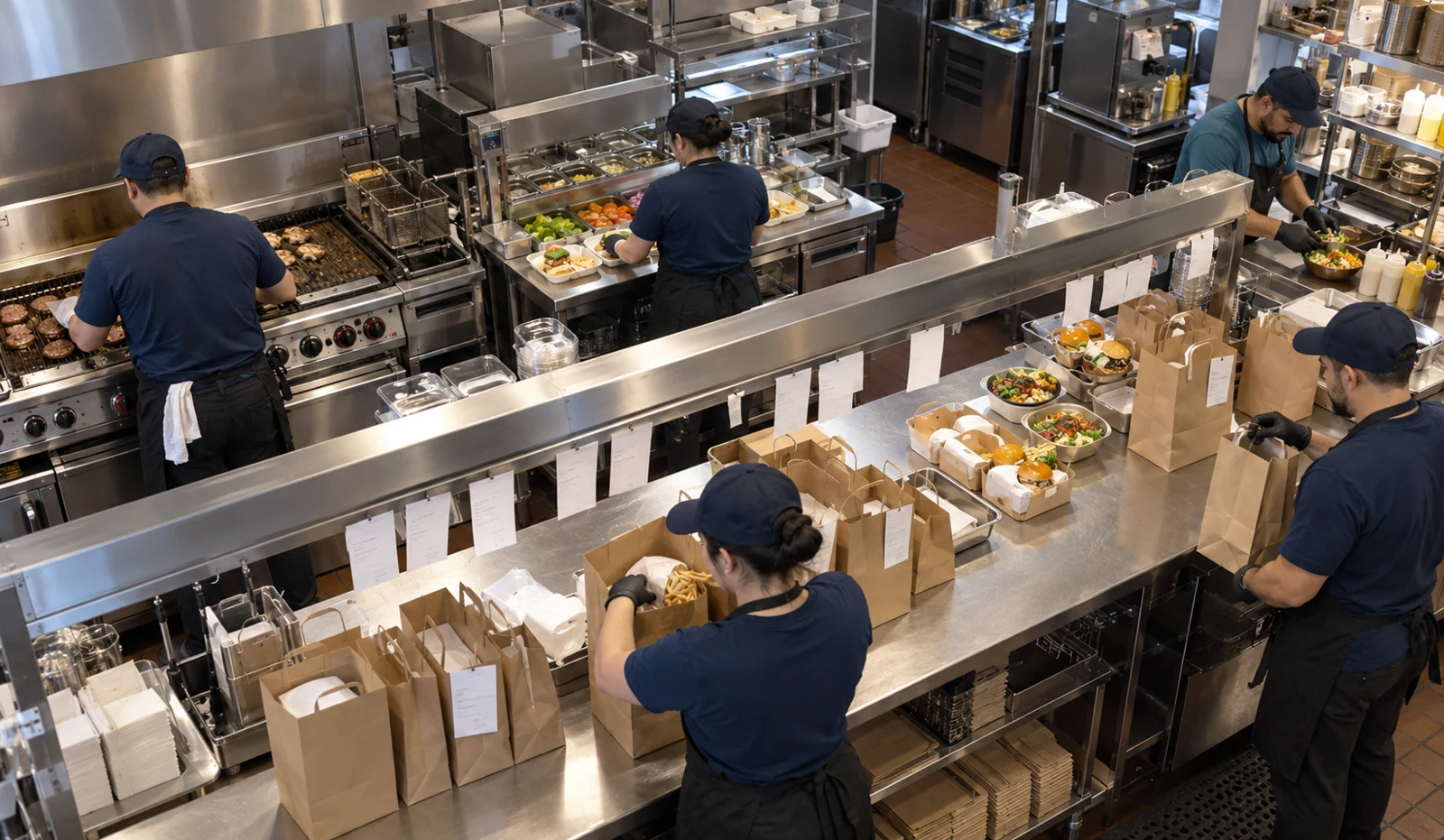 ## チームが改善できること - [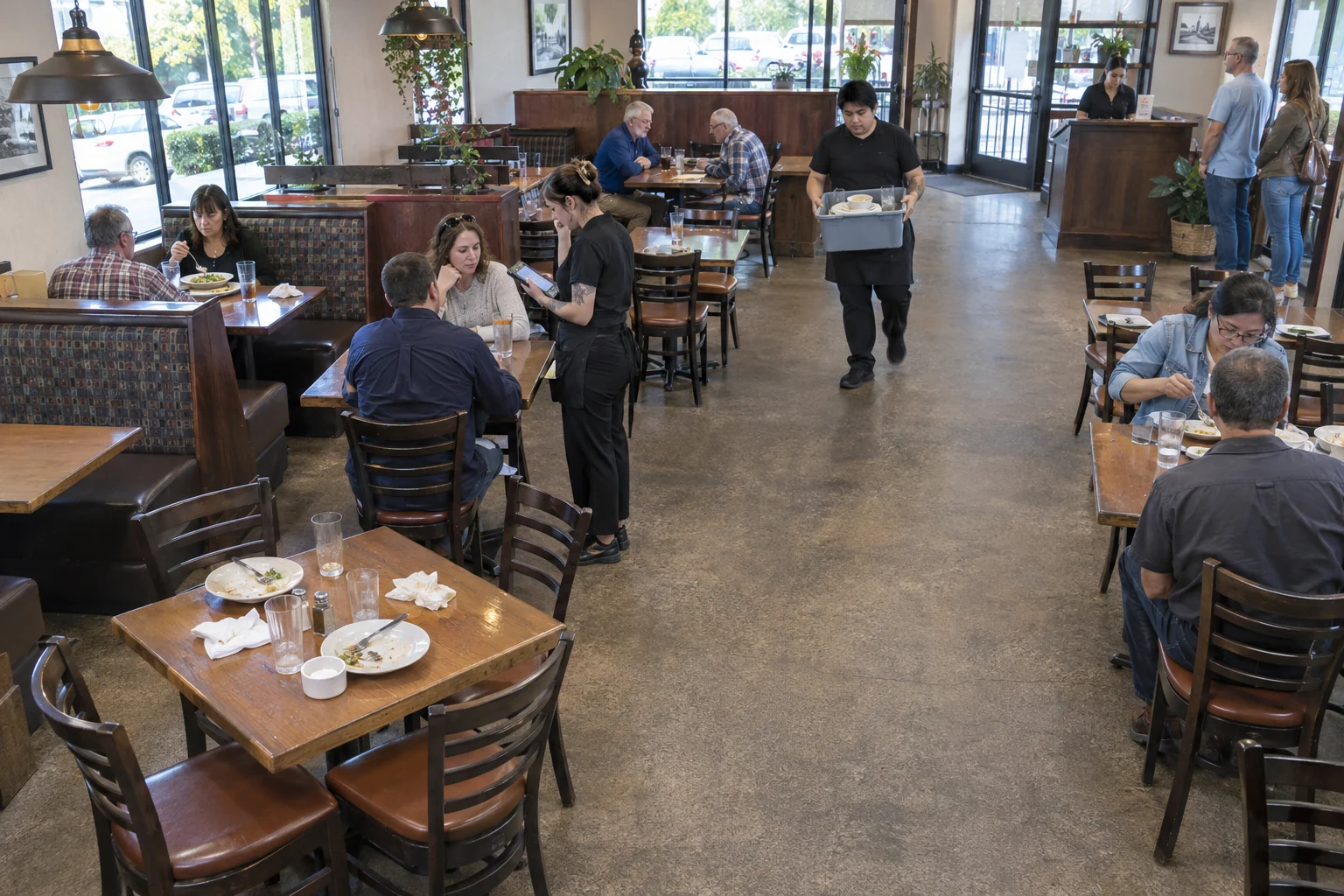 テーブル回転を高める テーブル回転を改善するため、入座から準備完了までをPOSと照合。片付けと案内の変更を担当者に割り当てます。活用方法を見る](https://www.fortuneai.app/ja/industries/restaurant-operations/applications/table-turnover/) - [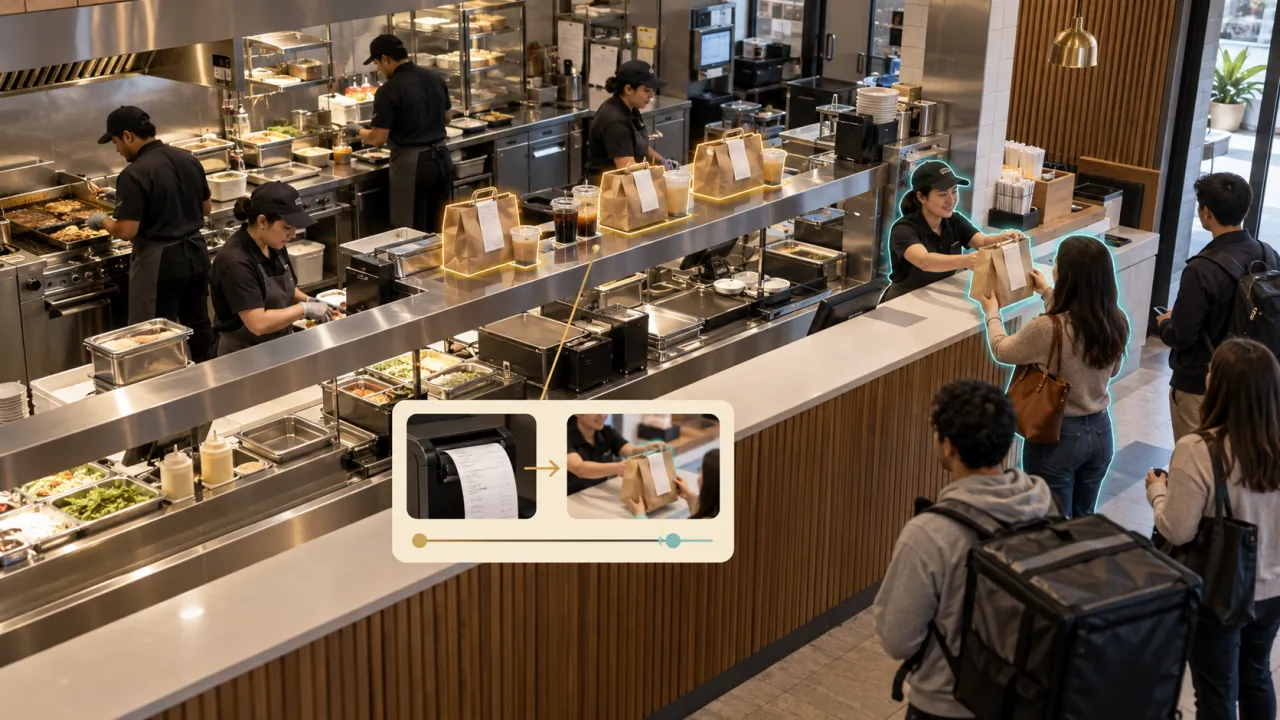 時間当たりの提供件数を増やす 列への進入から実際の受け渡しまでを計測。活用方法を見る](https://www.fortuneai.app/ja/industries/restaurant-operations/applications/speed-of-service/) - [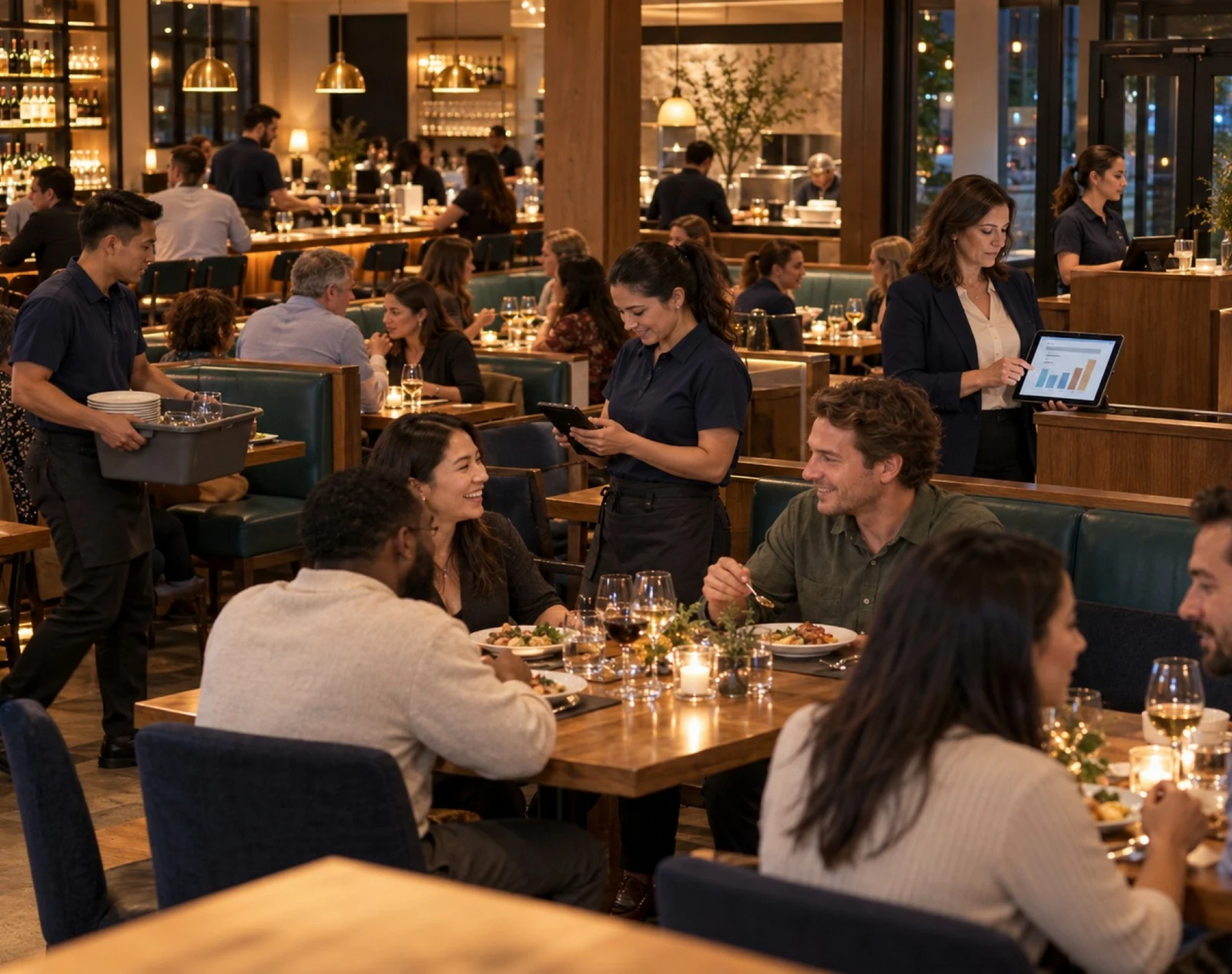 需要に人員配置を合わせる 区画・時間帯別にフロアの接客配置と着席客数を比較。活用方法を見る](https://www.fortuneai.app/ja/industries/restaurant-operations/applications/labor-optimization/) Fortune AIの操作 対象範囲を選ぶ 業務の問い ## KDS完了後、注文はどこで引き渡しを待っているか 飲食店の運営分析 問いを入力 ### 現場の問いから始める 拠点、区画、対象期間を選び、知りたい業務の問いを入力します。 照合する情報 - 予約、テーブルマップ、POS会計、KDS注文、接客区画、人員予定 - 入座、最初の接客、料理の到着、退席、片付け、注文の受け渡し 根拠を確認 ### 数字と、その場の根拠を確認 対象時間帯の業務記録と映像を開き、数字の背景で何が起きたかを確認します。 担当者と行動 - レストランのシフト責任者 - 接客・片付けの対応を割り当て、案内と客数に合う担当区画を整える 対応と成果を確認 ### 次の行動と、比較する成果へ レストランのシフト責任者が改善を承認し、担当と実行時刻を決定。次の同条件の接客ピークで成果を比較します。 成果の比較 - 利用者の待ち時間全体、時間当たり完了注文数、列の離脱 - 次の同条件の接客ピーク 担当:レストランのシフト責任者 ## Fortune AIの使い方 [操作の流れをすべて見る](https://www.fortuneai.app/ja/industries/restaurant-operations/workflow/) - [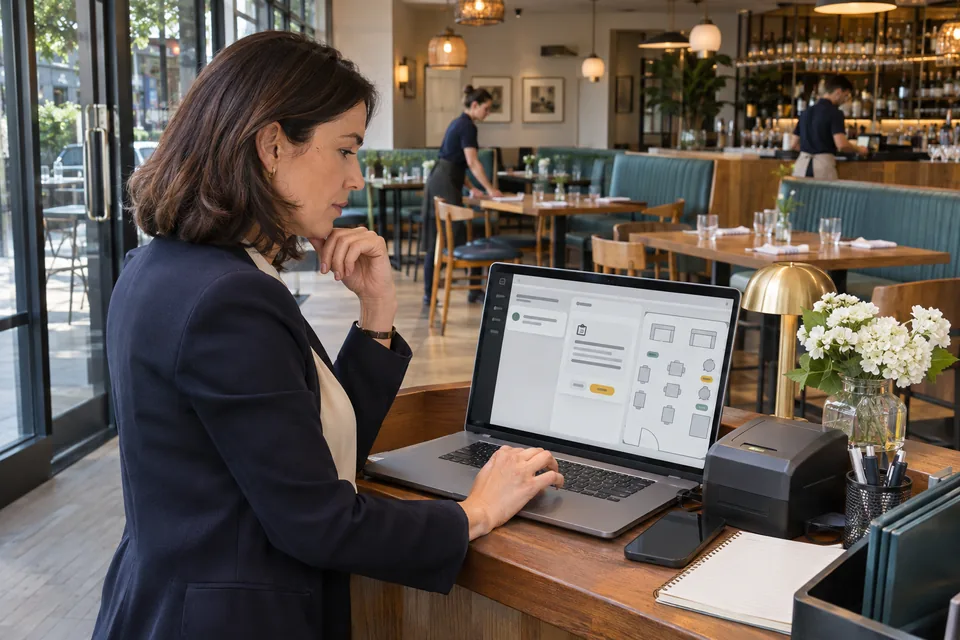 01 言葉でルールを作り、確認して有効にする 業務の目的を入力。この操作を見る](https://www.fortuneai.app/ja/industries/restaurant-operations/workflow/configure/) - [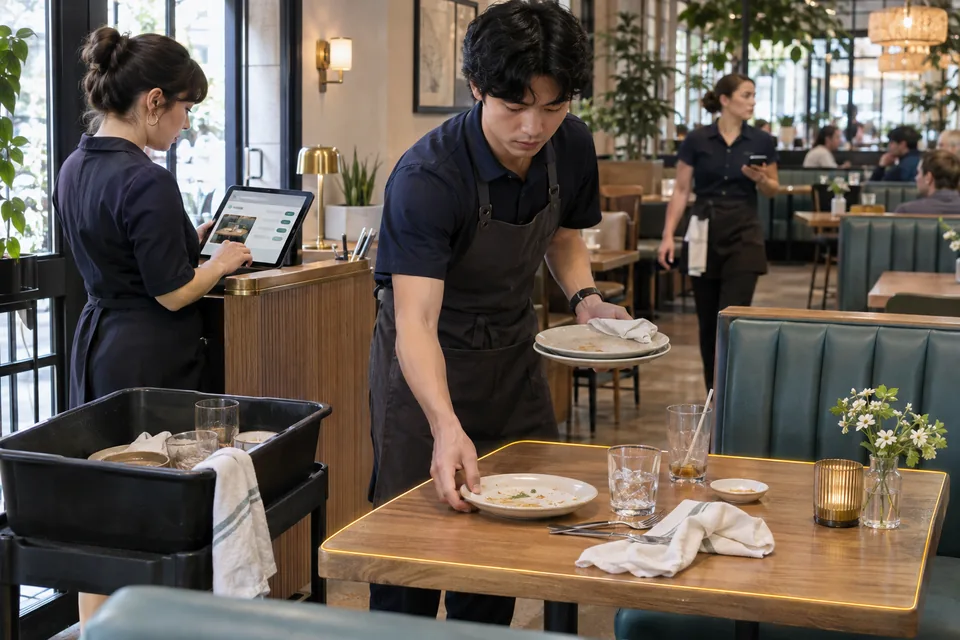 02 根拠を再確認し、担当者へ届ける 事象、根拠、次の対応をひとつに。この操作を見る](https://www.fortuneai.app/ja/industries/restaurant-operations/workflow/respond/) - [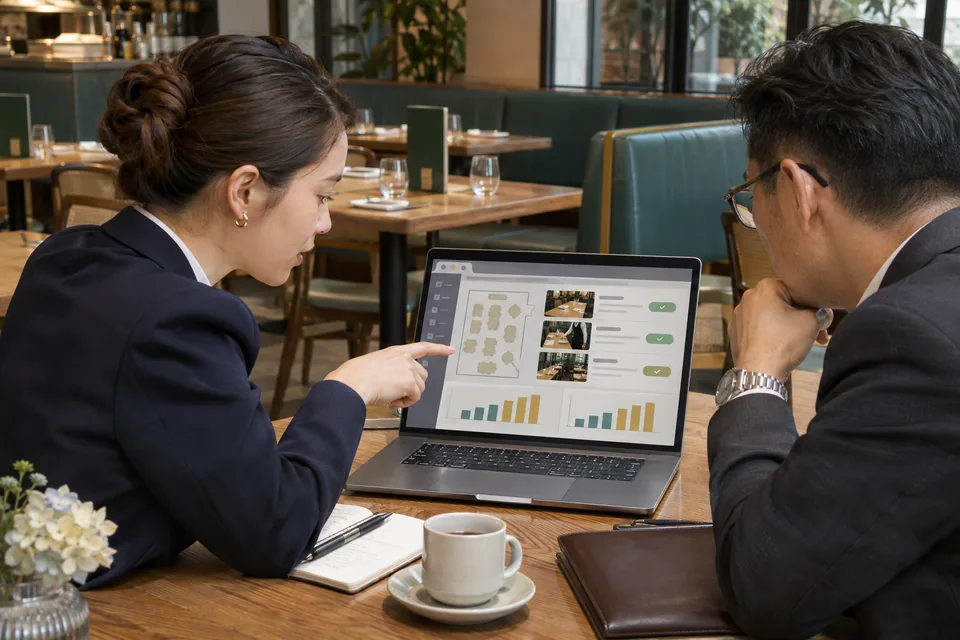 03 根拠を、レポートと次の対応へ 質問する、または定期レポートを設定。この操作を見る](https://www.fortuneai.app/ja/industries/restaurant-operations/workflow/report/) 対話形式の製品デモを見る 製品デモ ## 飲食店の運営分析の活用を見る 根拠を確認し、改善案を承認。次の同条件の運営で成果を検証。 - 01 · 質問 現場の運用課題をそのまま入力 - 02 · 根拠 対象時間帯とカメラ映像を確認 - 03 · 比較 同じ条件で変更前後を検証 対象時間帯、カメラ映像、測定した運用指標と次の対応を同じ画面で確認します。 ## 課題に合う使い方を見る  ### 提供スピード 列への進入から実際の受け渡しまでを計測。 チームが変えること 後日の接客レビューで、繰り返す遅延工程への応援を承認。 確かめる成果 利用者の待ち時間全体、時間当たり完了注文数、列の離脱 [この機能を詳しく見る](https://www.fortuneai.app/ja/industries/restaurant-operations/applications/speed-of-service/)[現場のストーリーを読む](https://www.fortuneai.app/ja/industries/restaurant-operations/stories/speed-of-service/) すべての活用を見る(9件) - [提供スピード](https://www.fortuneai.app/ja/industries/restaurant-operations/applications/speed-of-service/) - [注文の受け渡し](https://www.fortuneai.app/ja/industries/restaurant-operations/applications/order-handoff/) - [注文経路別の処理量](https://www.fortuneai.app/ja/industries/restaurant-operations/applications/channel-throughput/) - [飲食店の時間帯別人員配置](https://www.fortuneai.app/ja/industries/restaurant-operations/applications/labor-optimization/) - [テーブル回転とリアルタイムのテーブル状況](https://www.fortuneai.app/ja/industries/restaurant-operations/applications/table-turnover/) - [来店客への対応と最初の接客時間](https://www.fortuneai.app/ja/industries/restaurant-operations/applications/guest-attention/) - [テーブルの片付けと準備](https://www.fortuneai.app/ja/industries/restaurant-operations/applications/bussing-reset/) - [案内とリアルタイムの空席状況](https://www.fortuneai.app/ja/industries/restaurant-operations/applications/host-seating/) - [厨房から上菜までの時間](https://www.fortuneai.app/ja/industries/restaurant-operations/applications/kitchen-to-table/) [機能・活用の一覧へ](https://www.fortuneai.app/ja/industries/restaurant-operations/applications/)[ほかの活用ストーリーを見る](https://www.fortuneai.app/ja/industries/restaurant-operations/stories/) ## 導入前に、範囲と費用を確認 映像・データの接続、対象業務、費用、運用責任を確認します。 [導入の進め方を見る](https://www.fortuneai.app/ja/work-with-us/) ### POS・KDS連携は、本番導入前に何を試験しますか? 注文ID、経路、場所、状態の意味、時刻、運営上の問いに必要な項目を合意します。代表的な注文で元システムと実際の受け渡しを照合してから導入。課題を記録と根拠に結び付け、責任者が業務変更を承認します。 ### 導入・費用・サポートの内容は? 画角・データ対応図、検収例、研修、窓口を提示。機器・連携・保存・利用料・保守の内訳と担当・期限を合意します。 確認する指標 範囲・検収・費用・窓口。 ### 導入前に合意する範囲とプライバシーの条件は? 導入前に、提供工程の起点・終点、待ち列の定義、POS・KDSの利用権限、注文の照合方法、映像へのアクセス・保持期間を合意します。注文ID・ラベル・確認済みの受取場所で、調理・包装・引き渡しを照合。同条件の時間帯で提供時間と人員配置を集計・比較します。 [この産業のFAQをすべて読む](https://www.fortuneai.app/ja/industries/restaurant-operations/faq/) ## ひとつの業務課題から 業務記録、該当する現場、担当者の次の行動を、ひとつのレビューで確認します。 [デモを予約](https://www.fortuneai.app/ja/book/) [導入FAQ](https://www.fortuneai.app/ja/industries/restaurant-operations/faq/#buyer-questions)[導入FAQ](https://www.fortuneai.app/ja/industries/restaurant-operations/faq/#buyer-questions-title)[導入FAQ](https://www.fortuneai.app/ja/industries/restaurant-operations/faq/#restaurant-pickup-delay)[導入FAQ](https://www.fortuneai.app/ja/industries/restaurant-operations/faq/#restaurant-rush-coverage)[導入FAQ](https://www.fortuneai.app/ja/industries/restaurant-operations/faq/#restaurant-turnover)[導入FAQ](https://www.fortuneai.app/ja/industries/restaurant-operations/faq/#restaurant-kds-actual-handoff)[導入FAQ](https://www.fortuneai.app/ja/industries/restaurant-operations/faq/#restaurant-integration-order-data)