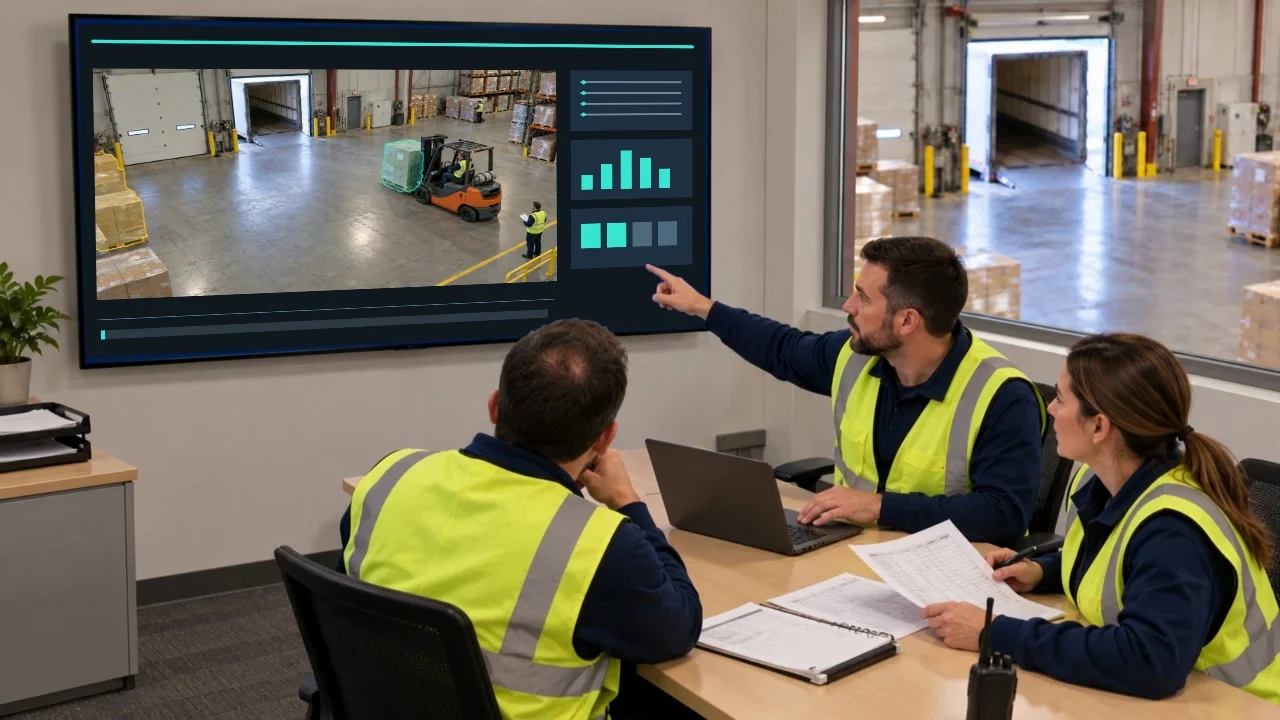
Your ERP, WMS, POS and CRM stay the system of record. Fortune AI reads the records you authorize, matches them to camera views, and shows where the plan and the floor disagree.
1
Read
The records you authorize: orders, tasks, scans and sales.
2
Match
Each record to the camera view by time, place (dock, zone, station) and an agreed ID such as an order, PO, pallet or batch.
3
Return
Exceptions with the clip and the source record, reports and exports, and follow-up tasks. Nothing is written back to your systems without an agreed integration.
WMS
The record says
Shipment ready
The floor shows
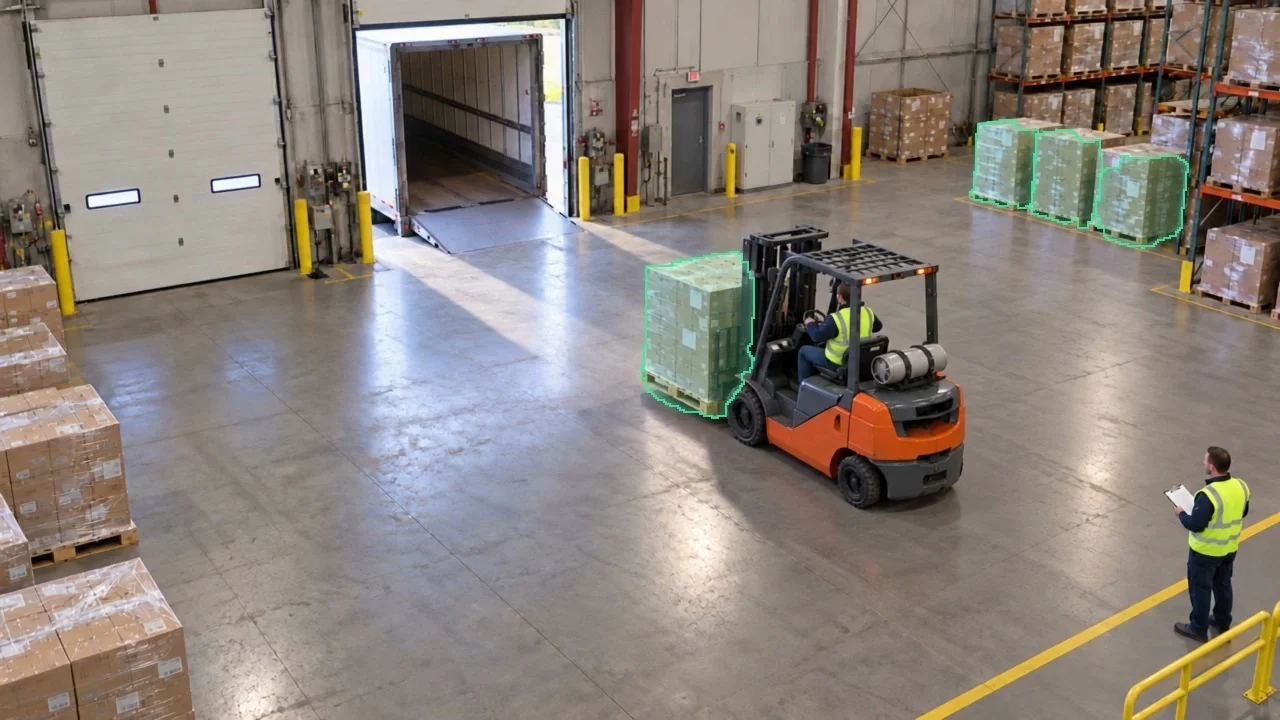
Pallet still in staging, truck waiting at the door
Matched by
Order or PO, pallet ID, dock, time
ERP
The record says
Batch or order complete
The floor shows
Output by station and shift, and where batches waited
Matched by
Batch, order, time
POS
The record says
Sales by hour
The floor shows
Visits and service coverage in the same hour
Matched by
Store, zone, hour
CRM
The record says
Customer and follow-up owner
The floor shows
A consented consultation, summarized for coaching and the follow-up
Matched by
An authorized customer reference
Cameras cannot confirm what they cannot see, such as an order ID or a stock count. Those come from your records, and blind spots are marked, not filled in.
Put service where shoppers need it.Keep outbound work moving.
Investors and ecosystem
How Fortune AI works
Find the gap, then prove what improved
AI recommends changes. Your team approves the plan, then verifies the next operation.
Find the service gap
POS shows sales. Camera highlights reveal shoppers at displays while staff serve elsewhere.
Plan the next shift
AI recommends peak-hour coverage. The store lead reviews the evidence and approves the next shift’s plan.
Check what improved
On the next shift, verify service coverage and compare shopper engagement with POS sales.
Find the loading bottleneck
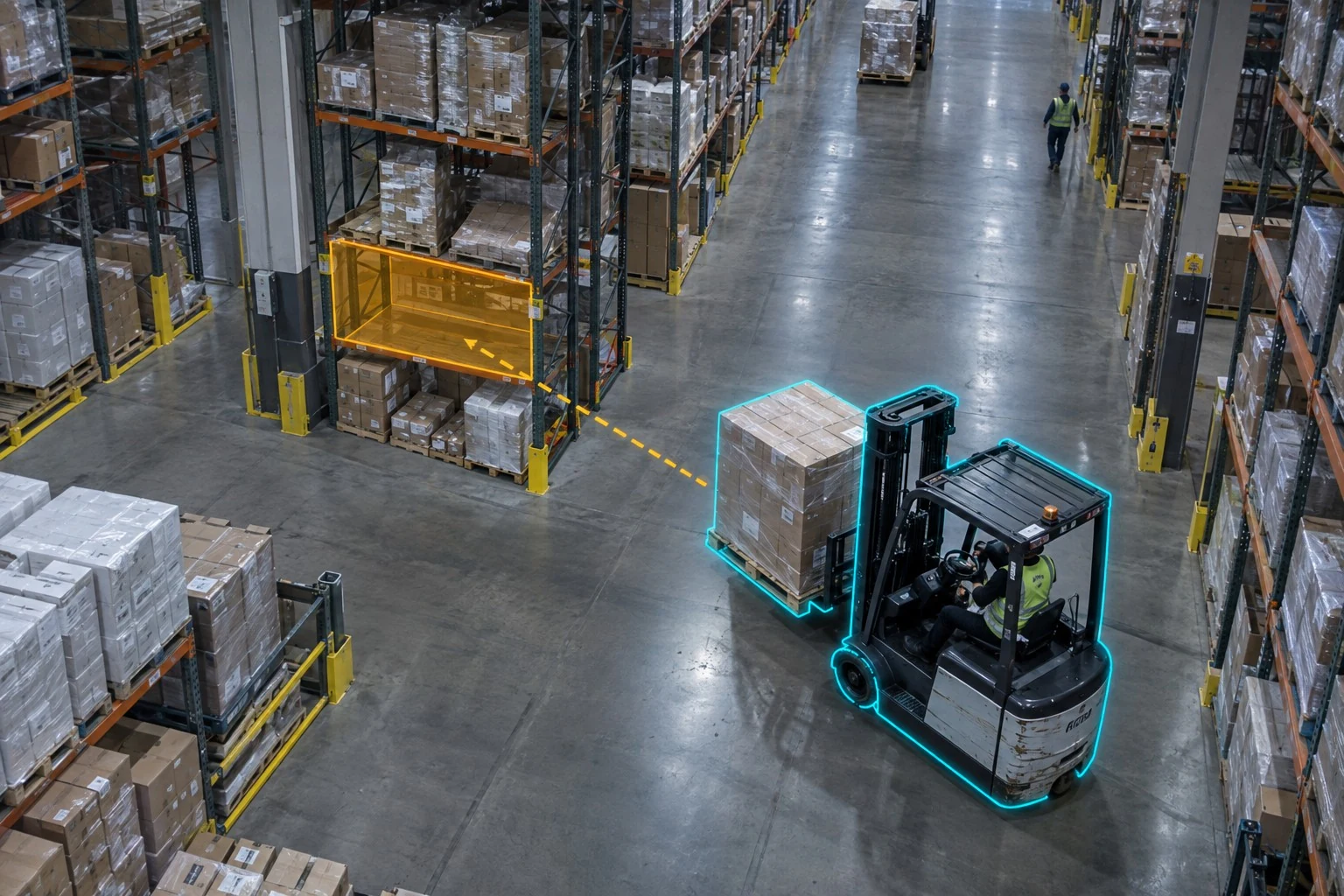
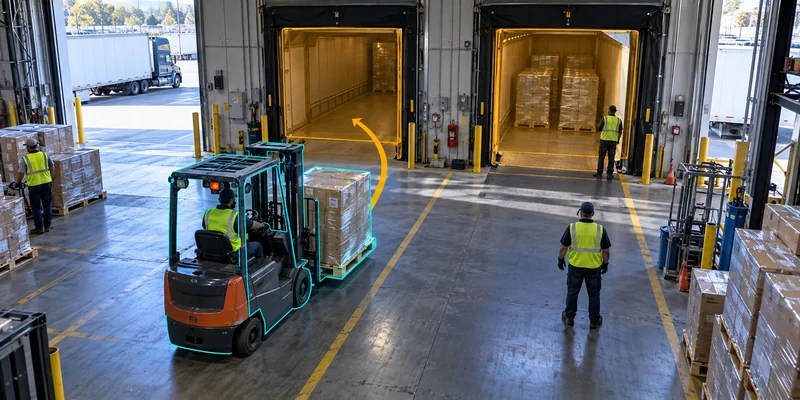
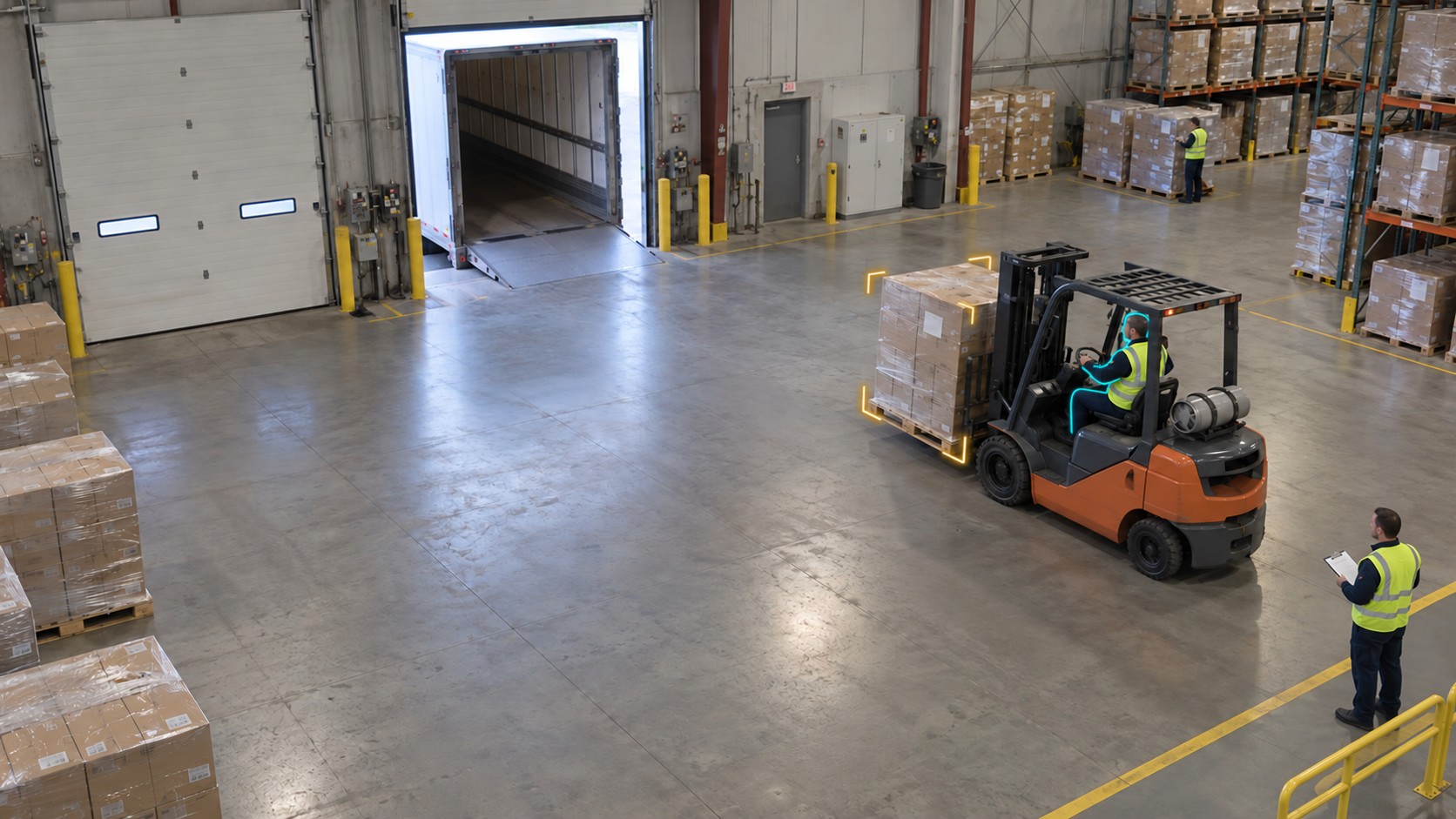
Shipment records show the plan. Cameras reveal pallet dwell, staging and actual loading routes.
Approve a better loading plan
At a later review, AI recommends staging and loading order. The dispatch lead approves the next shift’s plan.
Verify the next outbound shift
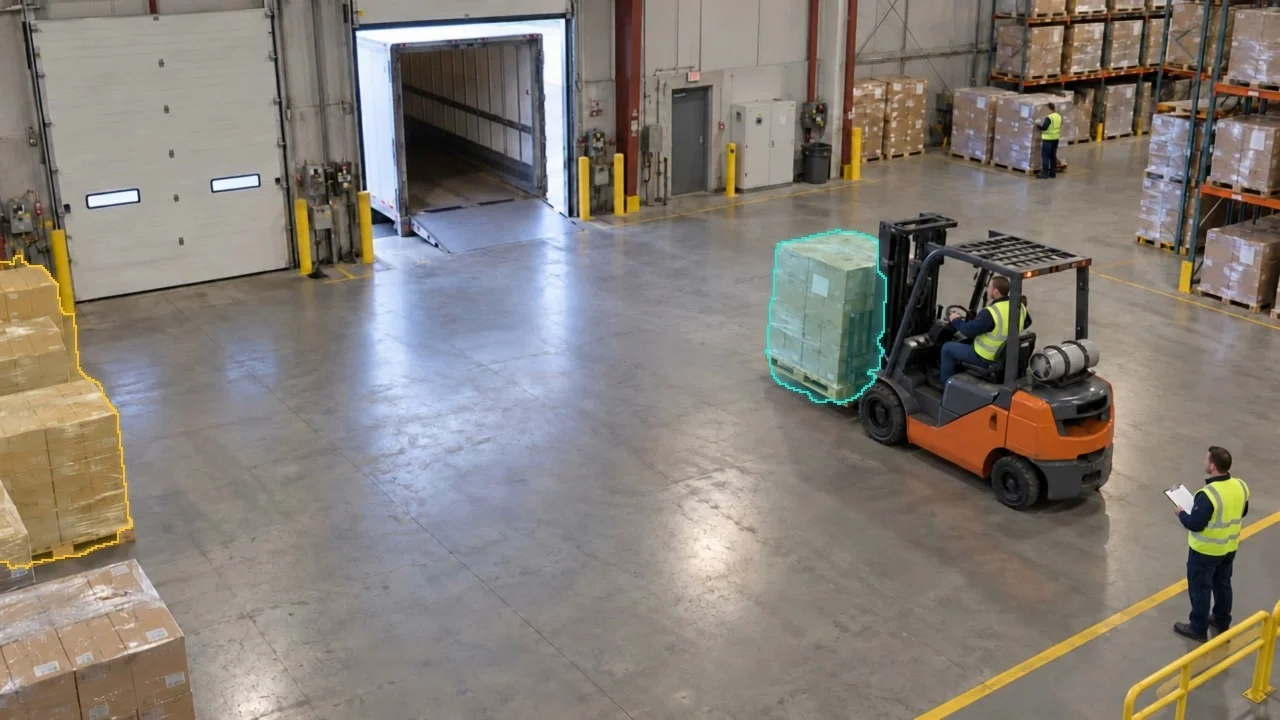
On the next shift, verify staging and loading moves, then compare dwell with shipment records.
Recorded shiftAI highlight · Product interest
Later · Planning reviewAI highlight · Recommended coverage
Next shift · Execution reviewAI highlight · Assistance verified
Recorded outbound shiftAI highlight · Pallet and staging
Later · Dispatch reviewAI highlight · Staging and load-order plan
Next outbound shift · Execution reviewAI highlight · Plan execution verified
01 / 03
Pick one workflow to start
Start with a one-day on-site demo, then a POC on your own cameras.