
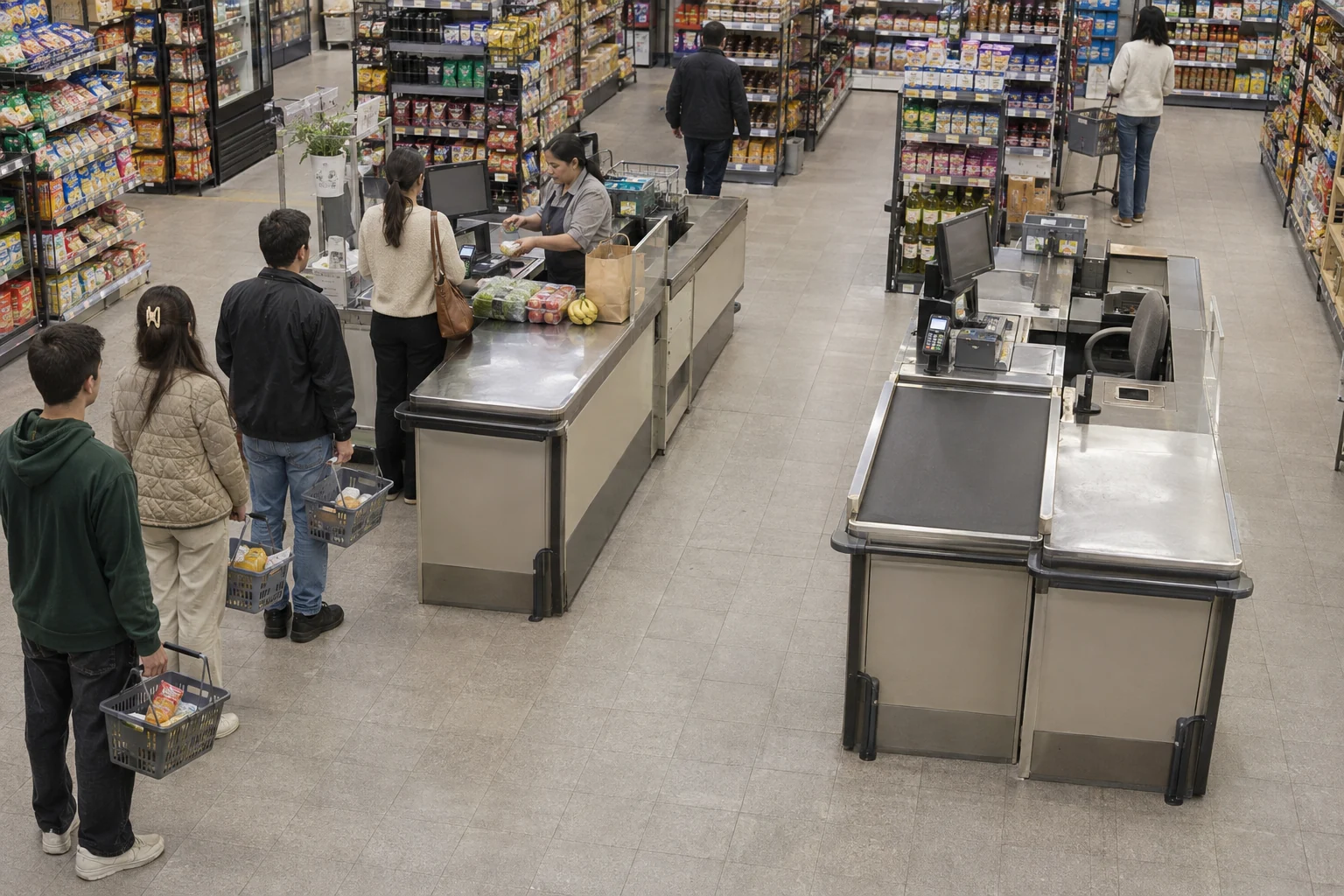
 Checkout coverage
Check the event
Records: POS terminal activity, staffing schedules and agreed queue limits. Physical evidence: Queue length, time in line, open counters and service starts.
Assign & close
Open the approved register or bring a trained associate to checkout
Improve the next operation
Queue wait, abandonment, completed transactions and sales per labor hour
Review the evidence and the result together
Checkout coverage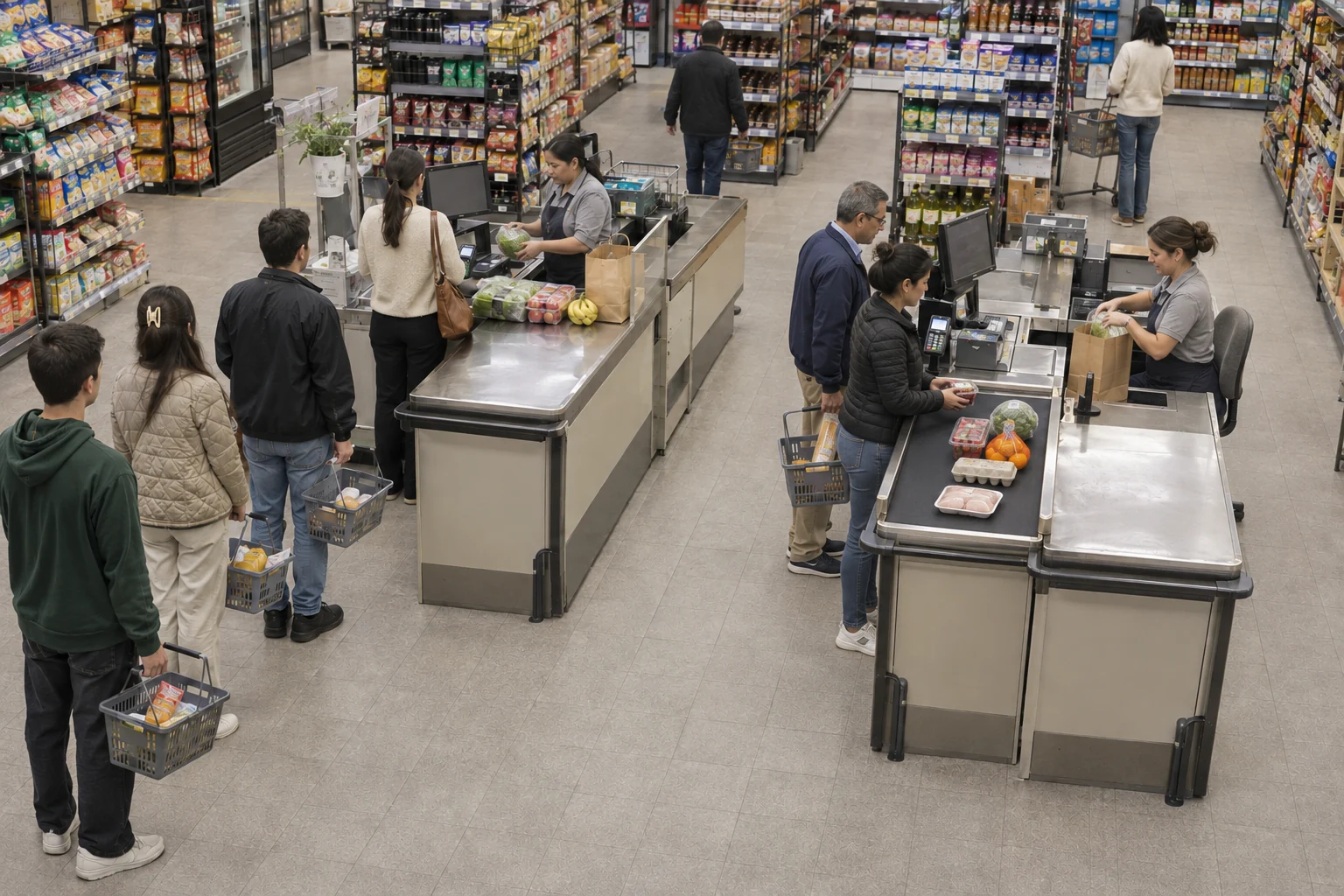 Checkout coverage
Outcome review
Customers wait while a second checkout is available
Assign trained cover to the second checkout
OwnerCheckout lead
A practical question
How can AI improve checkout queues and staffing?
Set the queue limit and approved recipients, then connect camera-observed waiting with POS and staffing. The lead receives evidence, adds coverage and verifies the response; the manager compares service and labor outcomes at similar peaks.
Inside the platform
From a rule to a completed result
Respond to today’s event and improve the next operation. Keep the rule, evidence, owner and result connected.
Build a rule in plain language
Describe the operating goal. Review the cameras, data, threshold and responsible team before enabling the rule.
See the workflowRoute a verified event to its owner
Connect the event, supporting evidence and next action. Track acknowledgement, due time, escalation and completion in the same record.
See the workflowTurn evidence into reports and next actions
Ask a question or schedule a report. Receive cited findings, an action plan for approval and a comparison of the resulting business outcome.
See the workflow