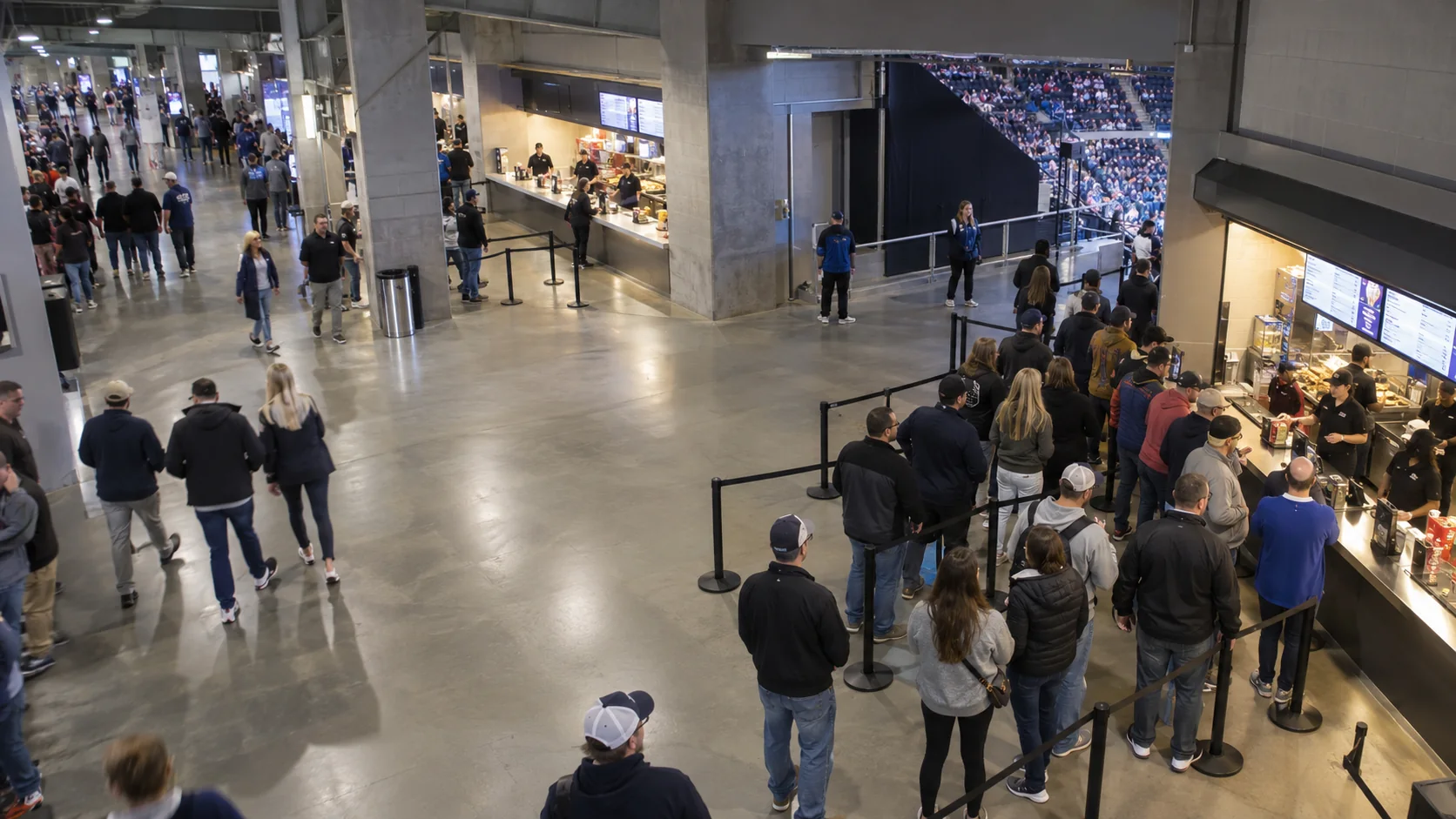
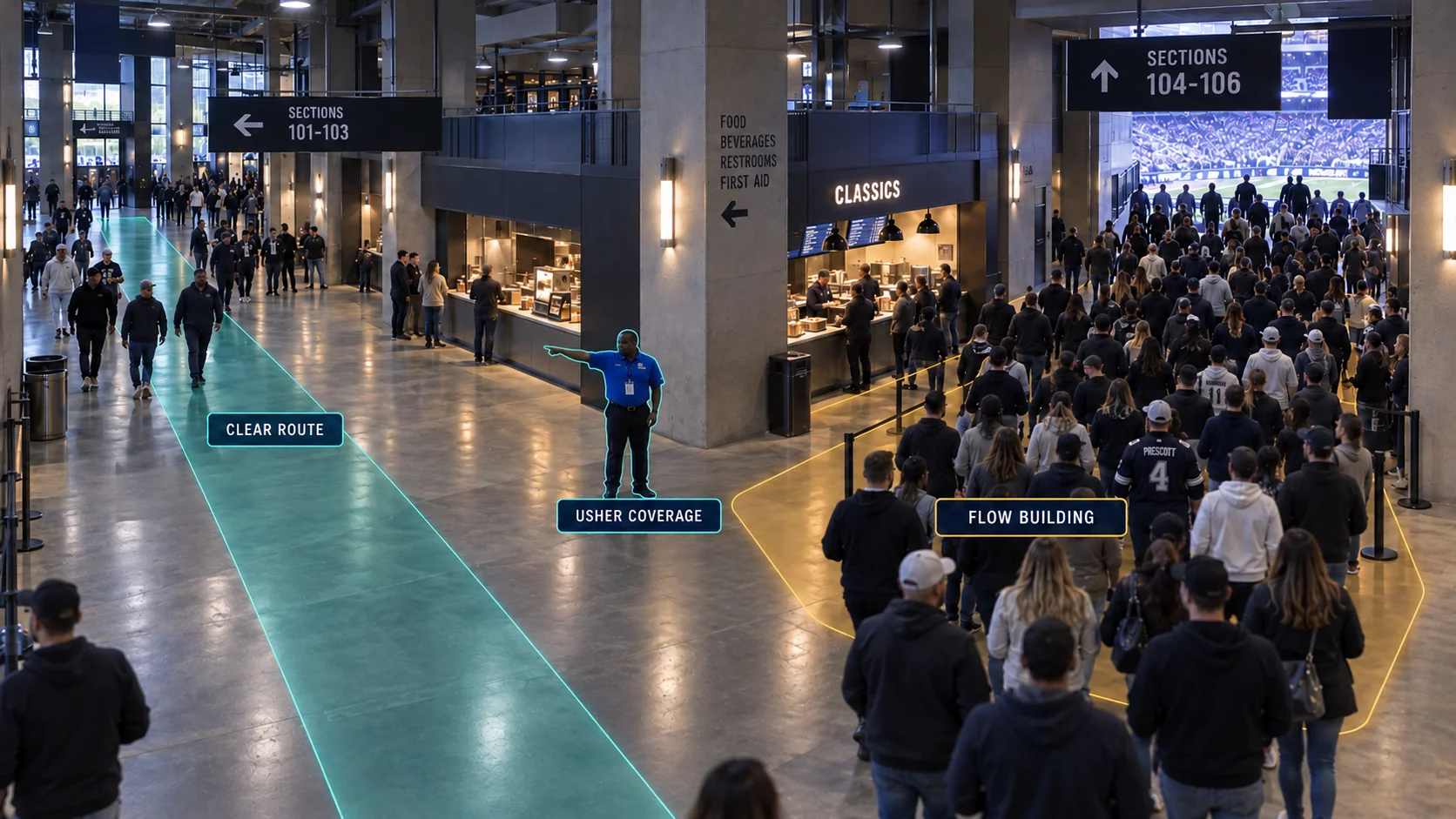
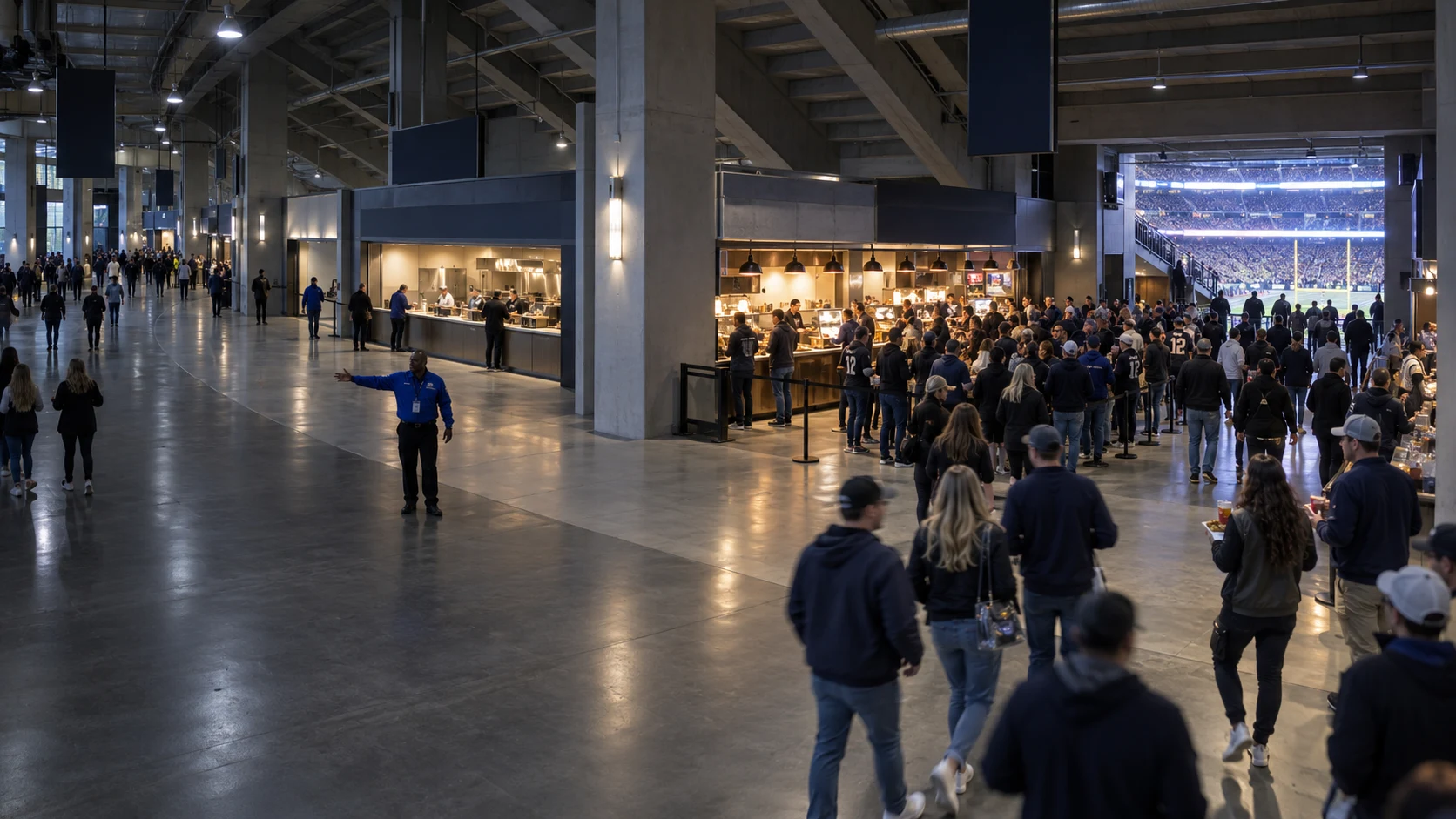
The main concourse concentrates traffic near concessions
In this example, guests move from the seating access toward the food and beverage stands during the event interval

Venues and events
Follow visible guest movement inside the arena, food and beverage queues, and service coverage through each event phase. Entrance flow is part of the same operating view.
Request a demoInside the venue
Compare the concourse, concession stands, and nearby staff coverage before the next event interval

MAIN CONCOURSE · CONCESSIONS
Interior demand in view
In-venue operating view
Compare circulation and concession arrivals
Adjust stand coverage or usher placement
Check waits and flow in the next event phase
Review by event phase
Fortune AI platform
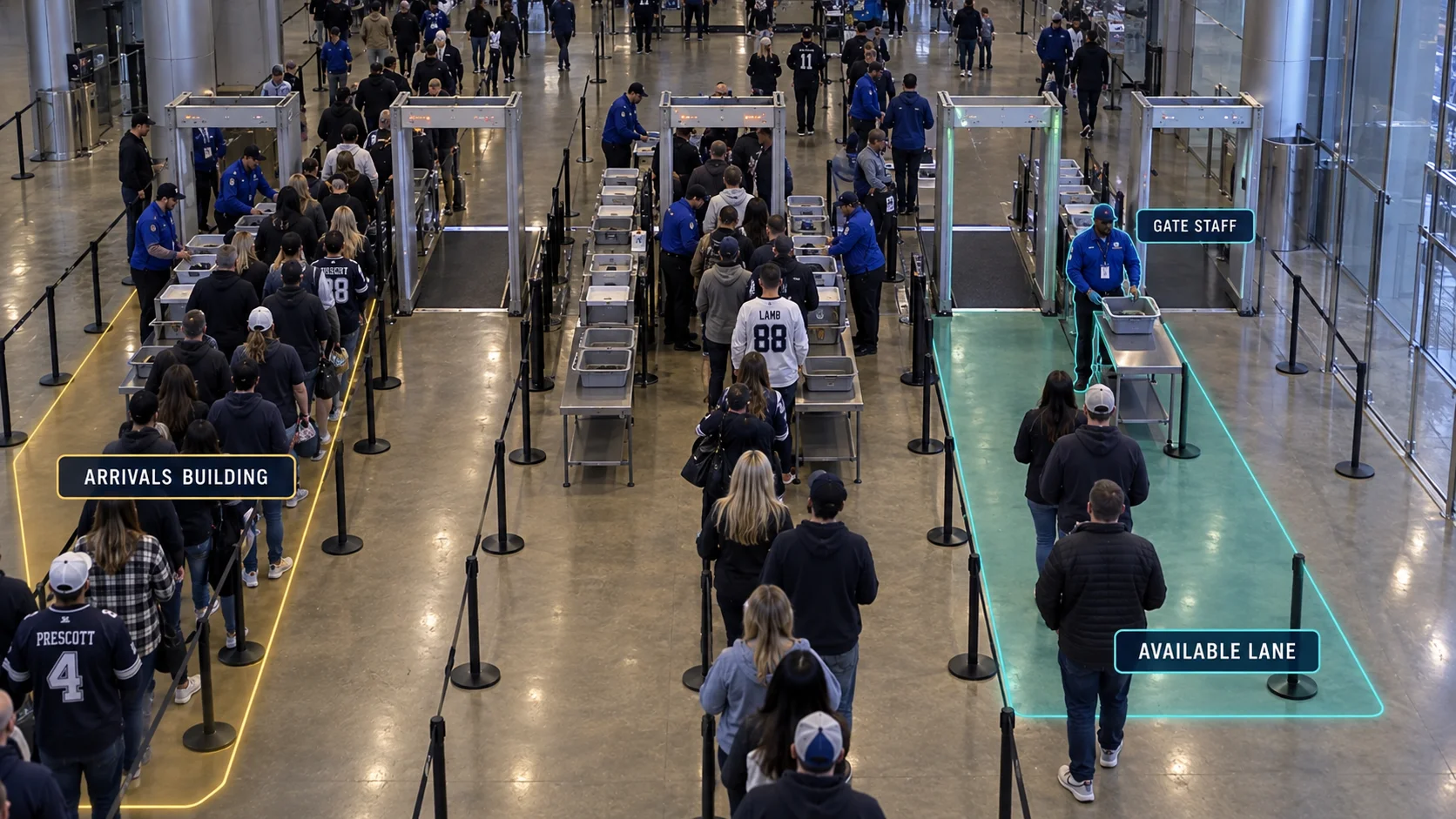
Rebalance checkpoints. Review entrance queue alongside the camera evidence for the same operating period.
Which entrance needs more capacity? East Gate reaches capacity first. Review the camera evidence, the measured entrance queue, and the next action: rebalance checkpoints.
From entry to action
Review interior demand, attached footage, and where to adjust coverage
Event flow
See how demand moves through a sports venue: concourse circulation, concessions, interior service zones, and entrance gates.
Venue operations analytics measures visible guest flow and dwell in agreed concourse zones, queues and active capacity at food and beverage stands, staff coverage inside the arena, and entrance throughput. Compare the same event phases before changing stand coverage, usher placement, or gate staffing; ticket and transaction counts come from authorized venue systems

Compare guest movement and dwell across agreed interior circulation zones during event phases.
Review routing and usher coverage before the next interval.
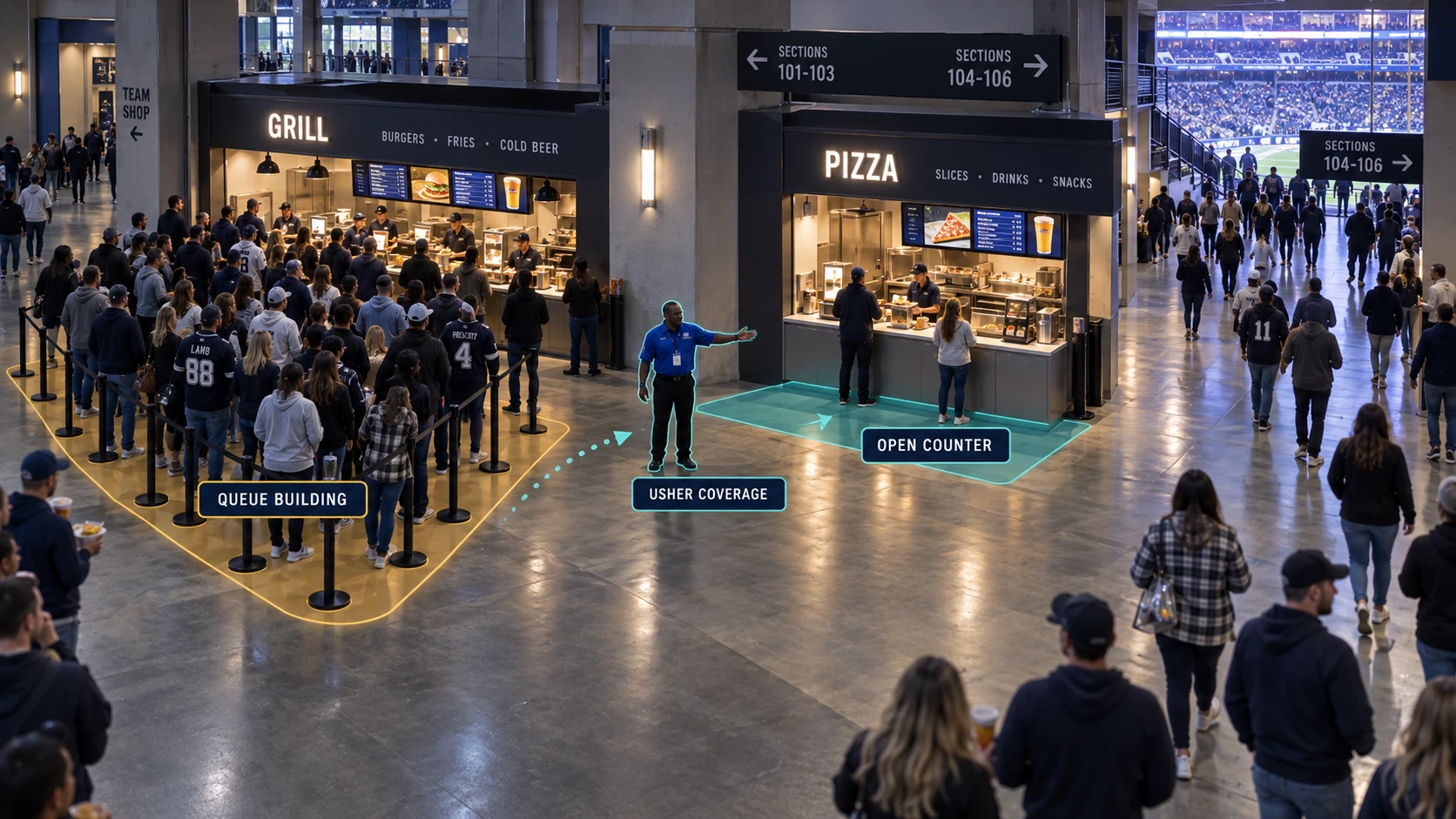
Measure visible line formation, waiting, and active service points at selected food and beverage stands.
Open service capacity or move staff where the queue grows.

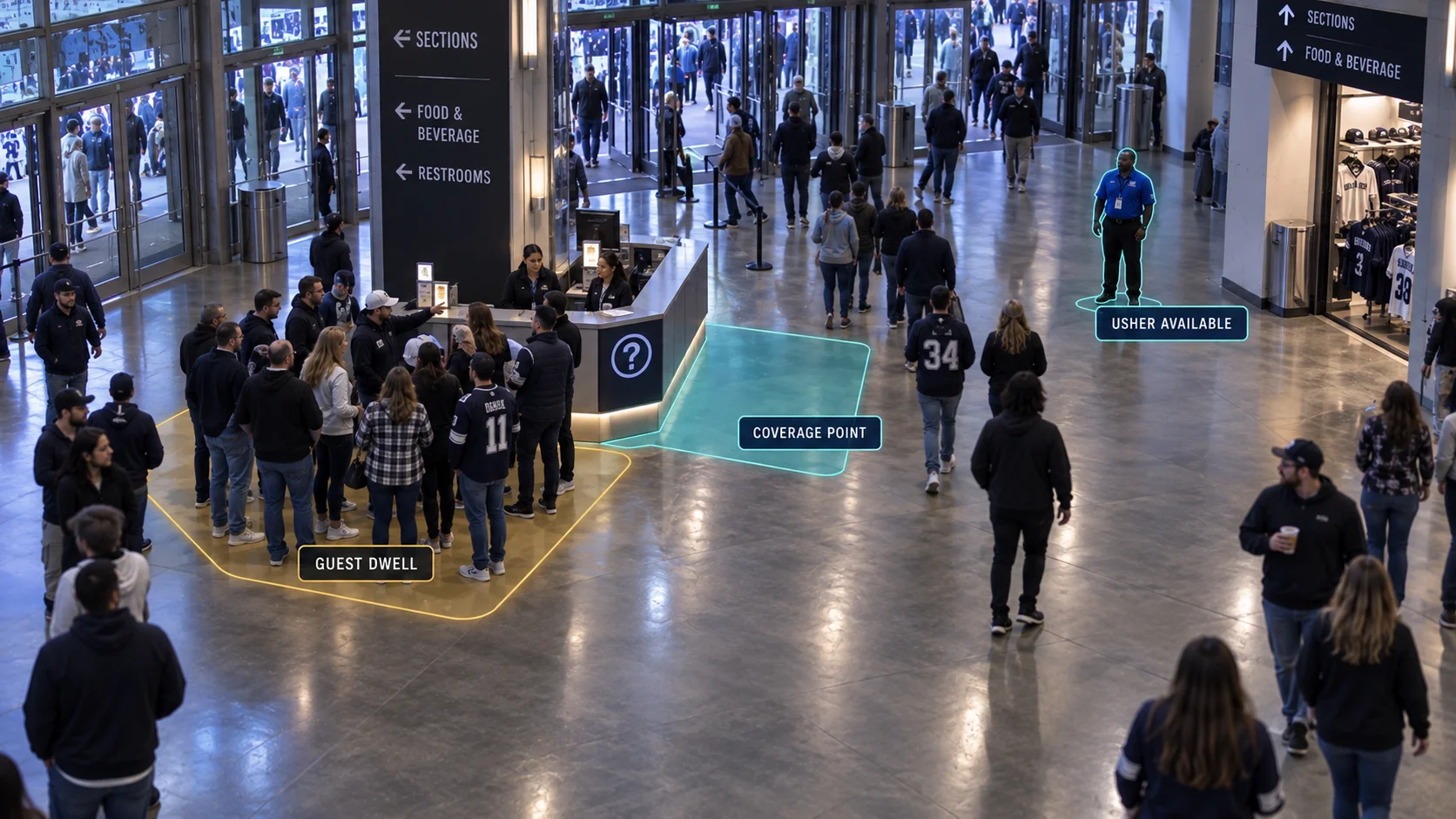
Compare guest presence and staff response across concourse junctions and service zones.
Place ushers or service staff where demand repeats.

Track visible arrivals, queue dwell, and active admission points at selected gates.
Balance open gates before the event arrival wave peaks.
Start with one venue decision
FAQ
Concourse movement, concession demand, interior staffing, and entrance capacity.
Discuss your site's requirementsGeneral questions & other industriesCompare visible arrivals, queue-entry-to-service time, and active service points at selected food and beverage stands. Review demand by pregame, halftime, and postgame intervals, then test a staffing or open-counter change on comparable events. Sales totals come from authorized concession records.
What to measureConcession wait, arrivals, and active service points by event phase.
Define concourse junctions and public service zones, then compare movement, dwell, and visible usher coverage during the same event phase. Use the venue's operating procedures to review routing or coverage changes; qualified staff retain safety decisions.
What to measureInterior-zone movement, prolonged dwell, and staff response by event phase.
Compare arrivals at the visible queue boundary with active gates and admission throughput. Align ticket-scan records when the team needs an attendance count. Use the same event phase to review a change in gate staffing or visitor routing.
What to measureEntry wait and observed flow per active gate-minute.
Agree on concourse and concession zones, service-start points, entrance gates, and staff-coverage definitions. The venue team owns guest routing, security, and safety decisions; authorized ticket and concession records provide transaction context.