Choose the site, zone and period. Ask the question your team needs answered.
Matched evidence
Member check-ins, court and class bookings, schedules, work orders and pool response records
Equipment and court use, class headcount, peak waits, availability and pool-zone events
Inspect the evidence
See the records and the relevant scene
Inspect linked records and camera evidence from the same operating period.
Accountable action
Club or facility manager
approve space and class changes, assign maintenance and connect pool alerts to lifeguards
Review the next action
Review the action and the result to compare
The club or facility manager approves the change and assigns responsibility. Compare results in the next comparable club peak or class cycle.
Outcome comparison
Equipment utilization by zone and time of day
the next comparable club peak or class cycle
Responsible team · Club or facility manager
["Set the review scope","Connect records and video","Make the operating decision"]
From a reviewed rule to responsible action
Fortune AIReview the rule
Equipment availability
Operating rule
Compare demand, bookings and observed equipment use
Members wait while a second training bay is free
Booking planObserved useEquipment record
Review the view, records and routing before enabling
Fortune AIEvidence to responsible action
Equipment availability
Approved next action
Guide members to available equipment
OwnerClub floor lead
Booking planObserved useEquipment record
Attach evidence, assign the owner and track completion
Explore the operating instructions
Inside the product
Start with the question you need answered
Which equipment is used — and which sits idle?
01
Choose the review scope
Select the site, zone and period. Keep the same boundaries and measurement definitions in the later comparison.
02
Inspect the linked evidence
Review member check-ins, bookings, class timetables and staffing schedules alongside equipment use, actual occupied space, waiting and transitions between classes.
03
Assess the AI recommendation
Inspect the attached records and scene. Check what the recommendation proposes to change and which evidence supports it.
04
Approve and assign
Route the change to the club or facility manager for approval. Assign an owner and an execution time before handing over the task.
05
Compare and retain the result
Reopen the review for the next comparable club peak or class cycle. Compare the agreed measure and retain the approved change in the operating plan.
Explore the operating detail
Start with the facility decision
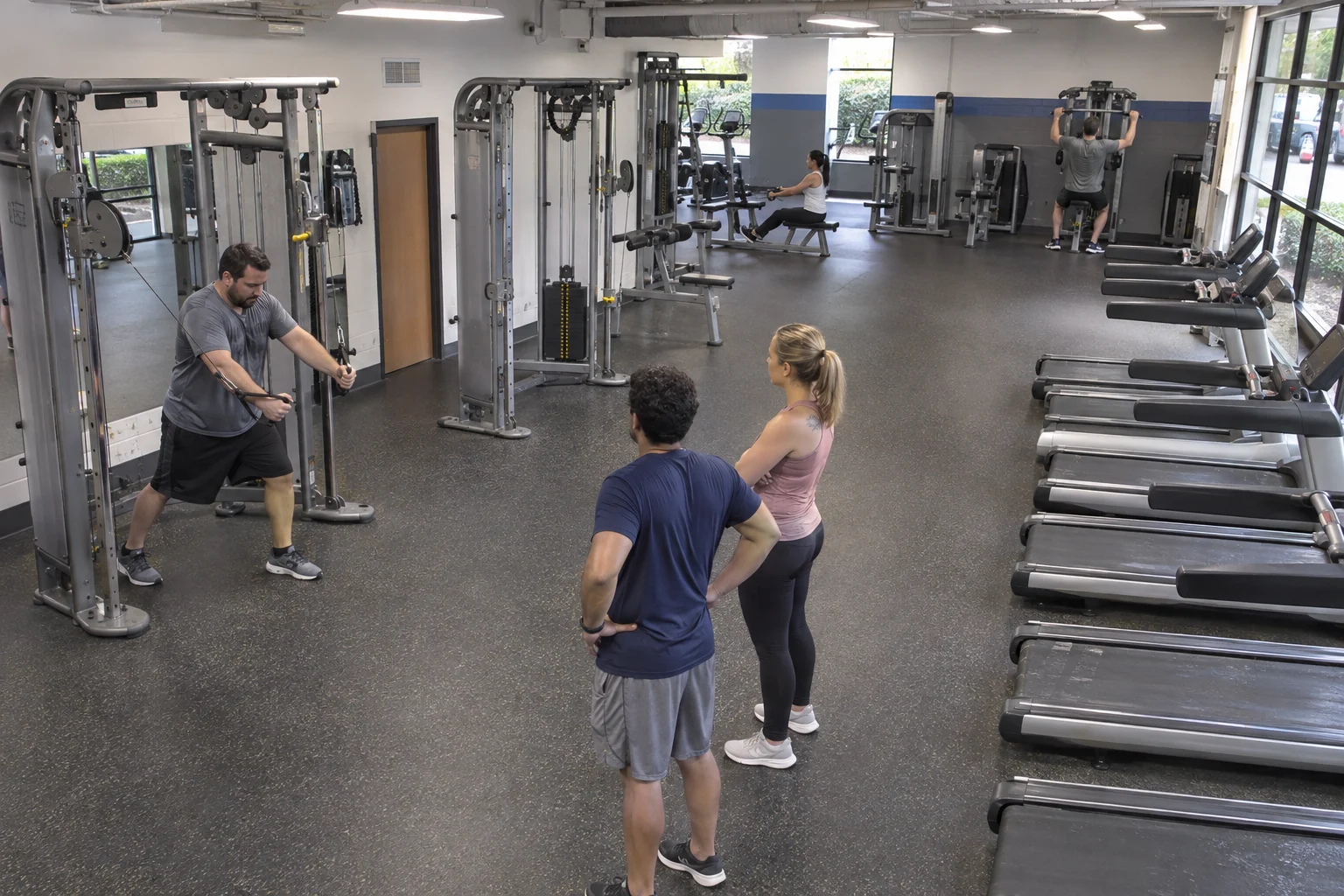
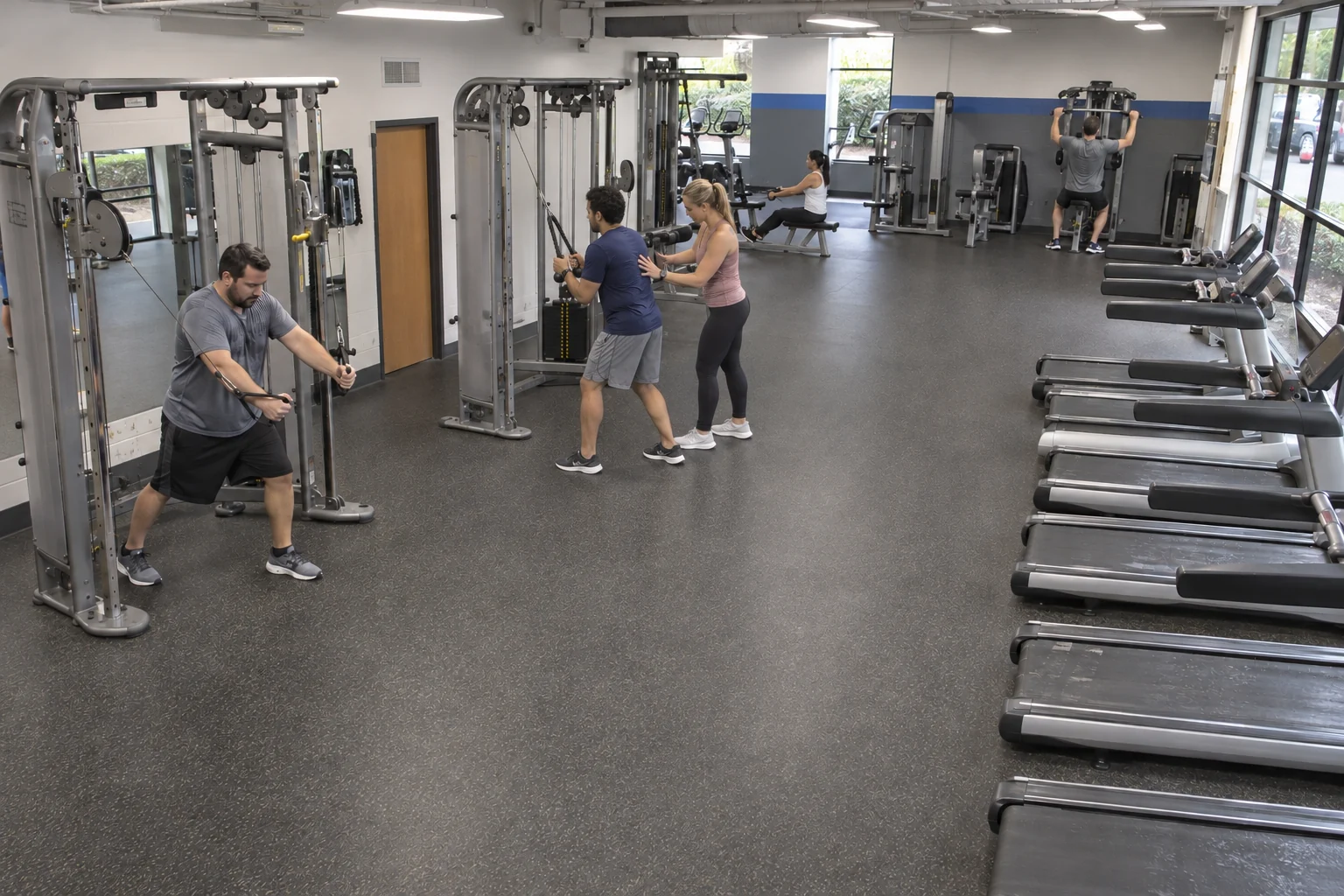
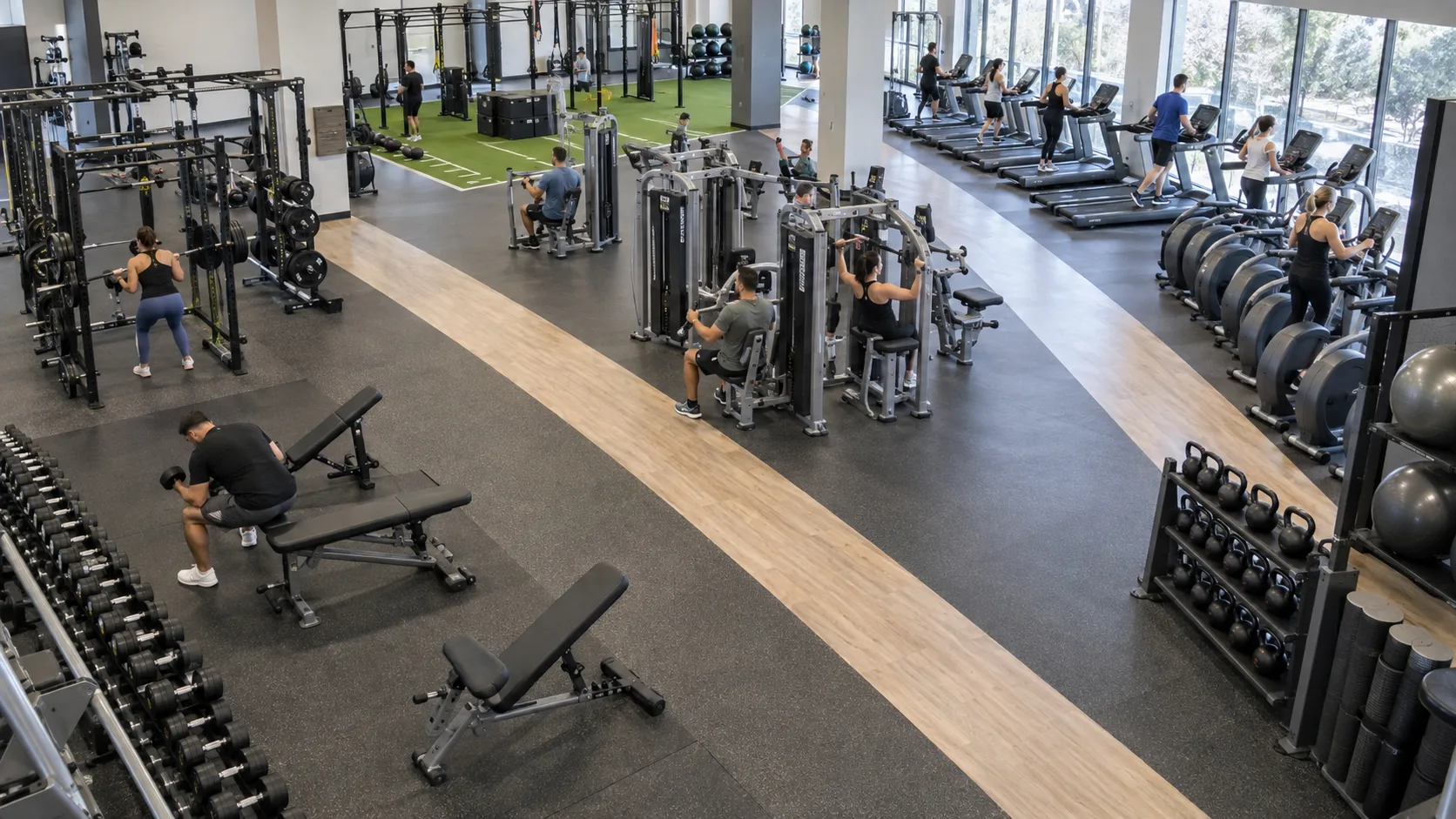
Crowded zones can sit beside unused equipment
A busy gym can still have the wrong equipment mix. Compare machine use, peak waiting and maintenance before buying more equipment or changing the floor.
CAM 04 · EQUIPMENT FLOOR
Facility signals connected
Unified facility view
Connect equipment demand with space and availability
01Measure
Track use by machine, zone, and time
02Unify
Align camera, radar, and equipment records
03Review
Compare layout, demand, downtime, and service needs
Club review ready for facility teams
From signals to decisions
Ask one question acrossthe whole facility
Review the data and supporting camera view behind each answer
Fortune AI AgentClub review · Equipment floor
You
Which equipment is used — and which sits idle?
Fortune AI
See demand by machine and zone
This example combines activity from the camera view with available equipment telemetry to compare recurring use, idle periods, and peak demand
Cardio zone
Peak 17:30–19:00
Strength zone
Steady demand
Free weights
Capacity review
You
Can I compare camera, radar, and equipment data?
Fortune AI
Review one timeline across each source
Bring the selected camera view, radar events, and equipment records into the same facility review instead of checking separate dashboards
Sample camera viewExact footage stays attached to each reviewed event
You
What should this club review next?
Fortune AI
Check layout, availability, and maintenance priorities
At a later review, the club manager approves coverage and maintenance timing. Compare equipment availability and waiting during the next similar peak.
Preparing example response
Ready to play
Inside the platform
From a rule to a completed result
Respond to today’s event and improve the next operation. Keep the rule, evidence, owner and result connected.