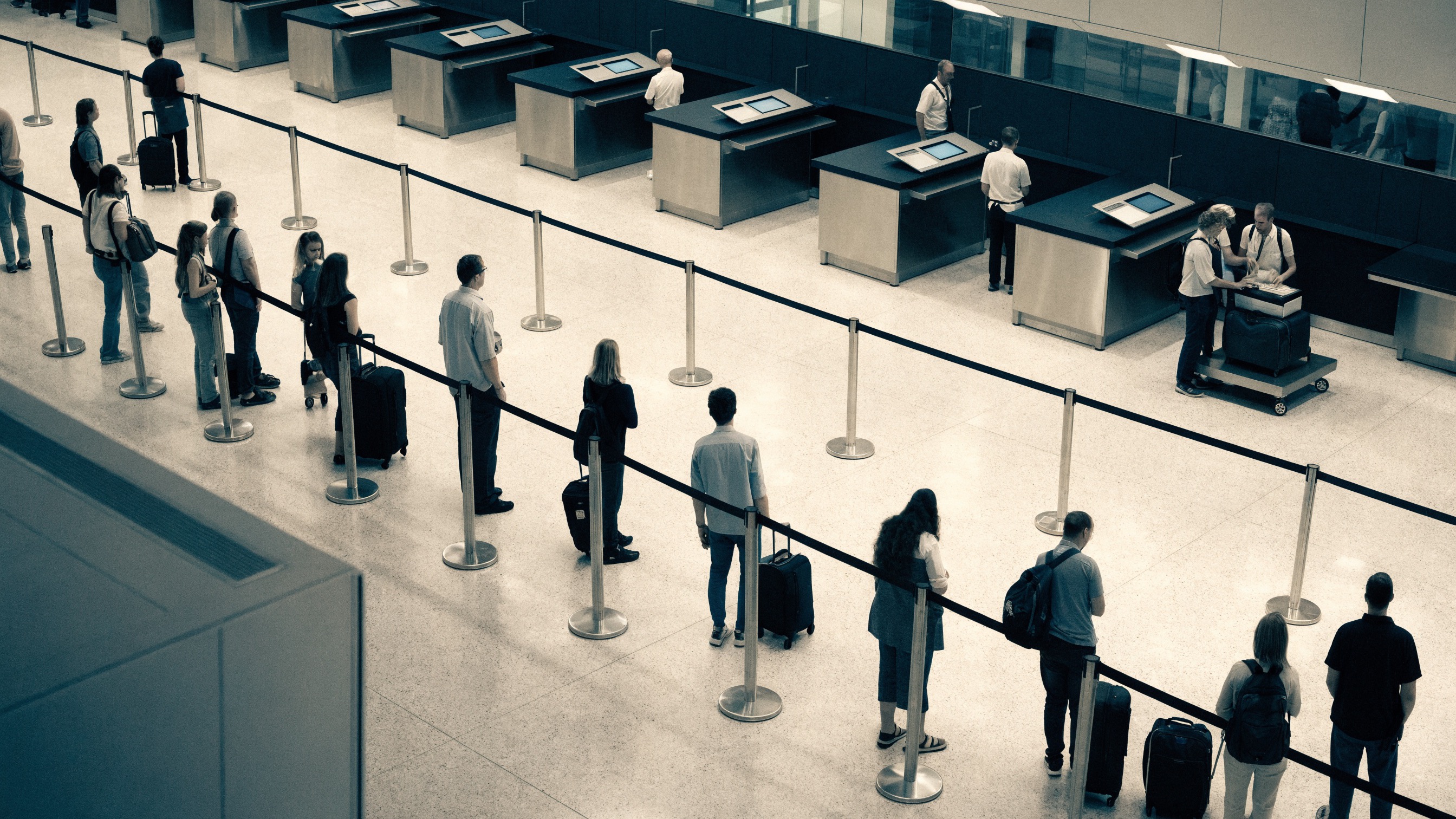
North check-in needs a capacity review
In this example, arrivals grow faster than the active lanes can serve passengers before the morning peak

Airport passenger flow analytics
Improve passenger flow management with flight, queue and camera evidence. Align resource allocation and capacity planning, approve lane changes, then verify waiting and throughput during comparable flight waves.
How it works
Fortune AI matches records with physical evidence and proposes an improvement. Your team approves the action and assigns its owner before the next comparable operation.
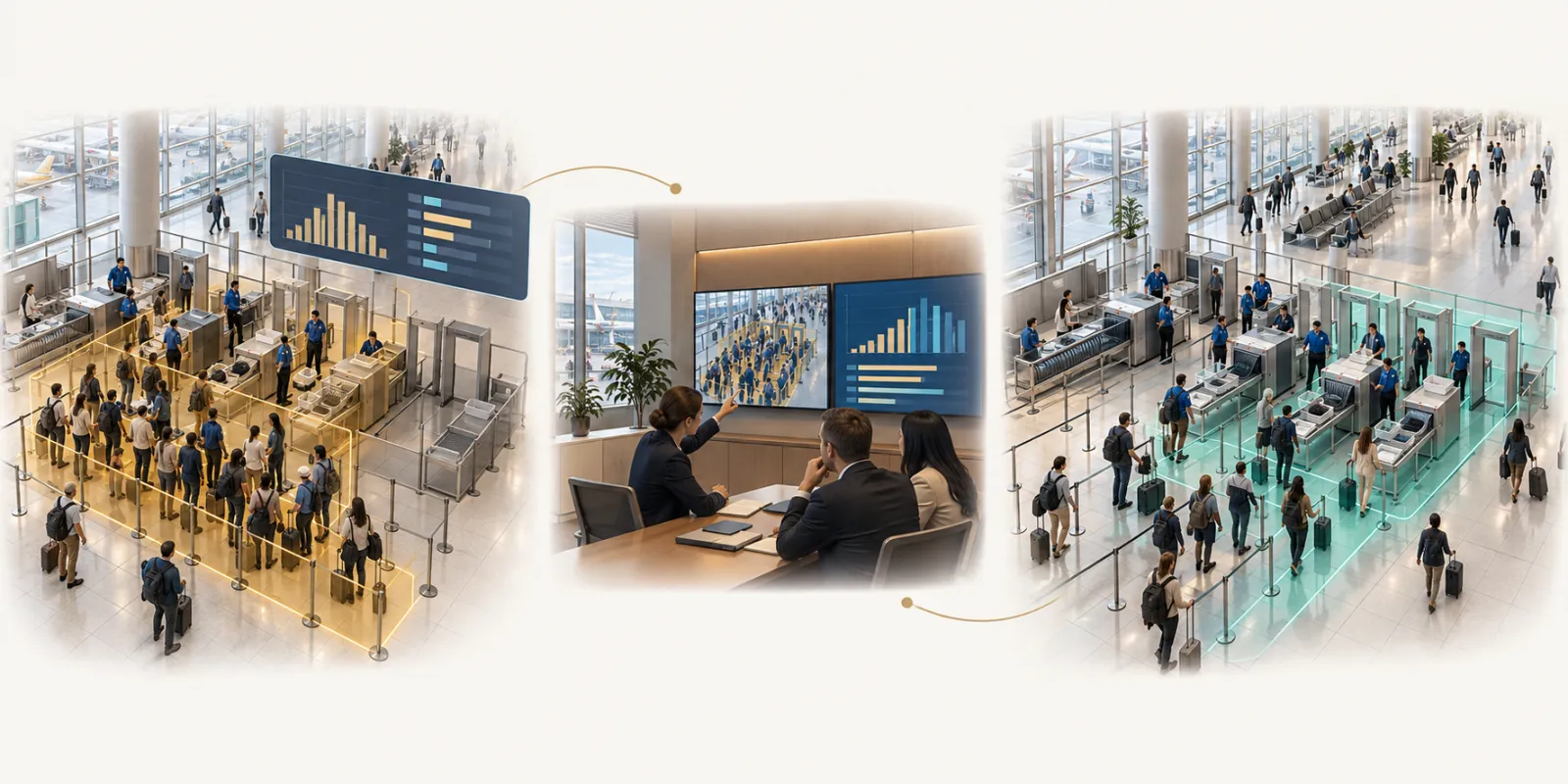
Check-in, security and boarding face different peaks. Compare passenger demand and active capacity across the journey before changing lane or staffing plans.
Terminal operations manager · approve lane opening, staff coverage and passenger routing
Verify passenger waiting, lane utilization and entrance throughput by flight wave.
Connected workflow
flight schedules, passenger forecasts and resource plans
checkpoint queues, lane processing and terminal circulation
Terminal operations manager · approve lane opening, staff coverage and passenger routing
Arrivals, processing and passenger circulation
Start with the decision
Check-in, security and boarding face different peaks. Compare passenger demand and active capacity across the journey before changing lane or staffing plans.
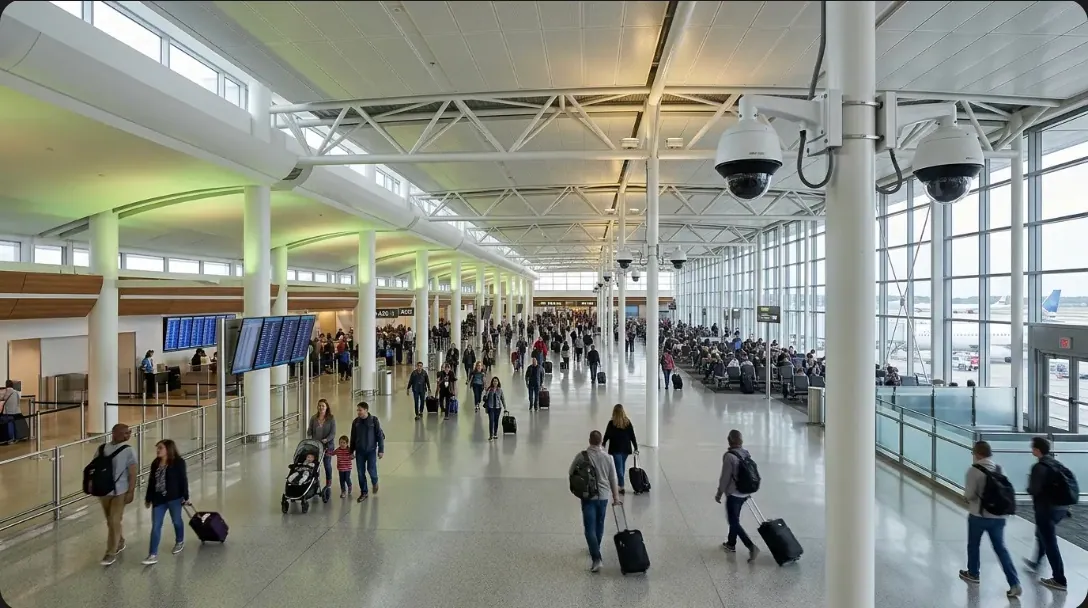
CAM 18 · NORTH CHECK-IN
Queue pressure matched
Live queue analysis
Measure arrivals, queue growth, and release
Match demand with open lanes and service time
Return pressure by area and service period
Queue analysis ready throughout the day
From queue to action
See the service area, time window, and footage behind the recommendation
Fortune AI
See your records, the relevant scene and an accountable next action in one review.