Work waited before finishing
In this example, completed work queued for finishing between 13:08 and 14:16
- Queue dwell
- 34m
- Transfer waits
- 26m
- Rework holds
- 14m

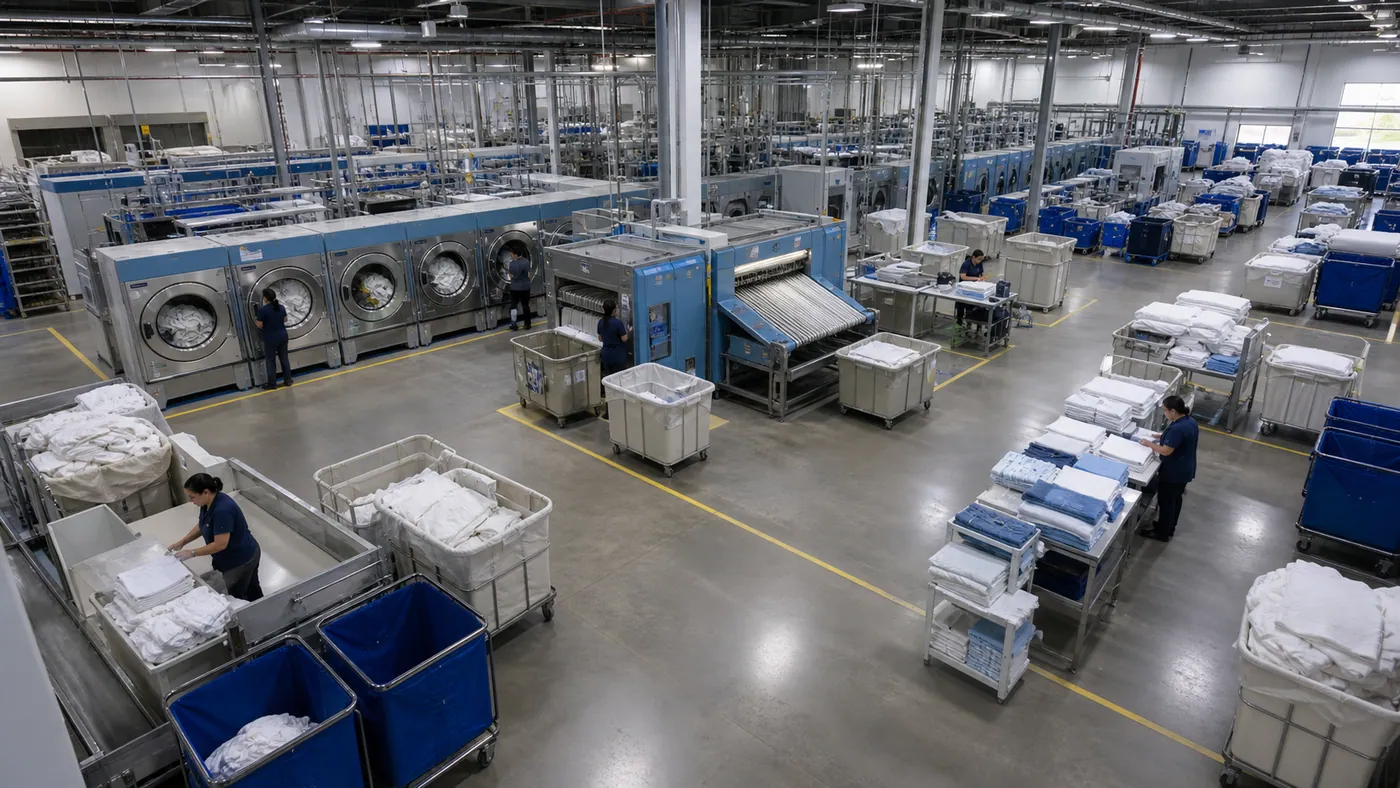
Production operations
Connect production plans with processing, transfer and waiting footage. AI recommends handoff changes for production leads to approve and verify on the next run.
Request a demoStart with the result
Define what counts as working, waiting, transfer, and completion once
CAM 07 · LINE 2
Cycle event matched
Live measurement
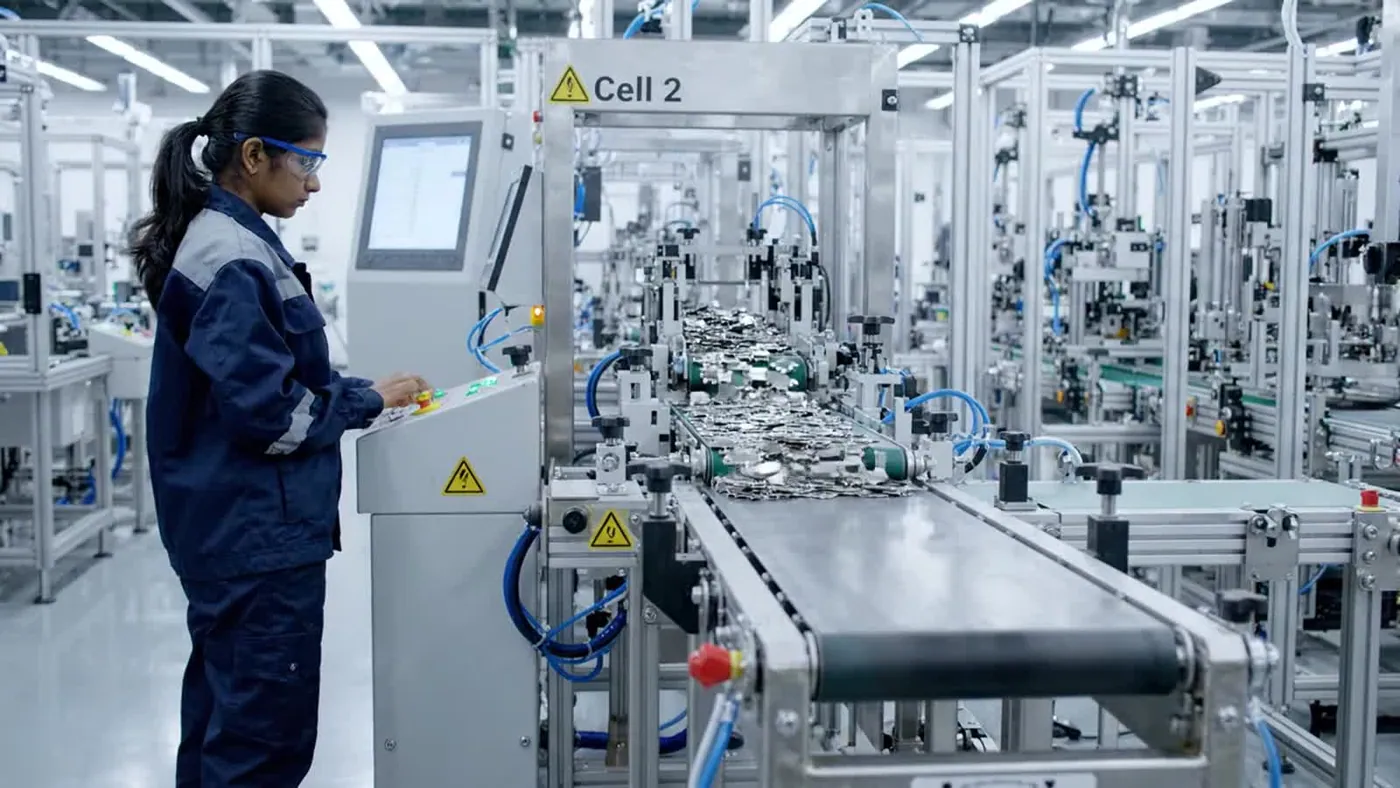
Measure work, waiting, transfer, and completion
Follow material and work-in-process between stages
Return lost time by stage, shift, and event
Production measure ready every shift
Fortune AI platform
Rebalance the finishing handoff. Review stage cycle time alongside the camera evidence for the same operating period.
Where did Line 2 lose output this shift? Finishing is holding the next handoff. Review the camera evidence, the measured stage cycle time, and the next action: rebalance the finishing handoff.
From signal to action
Use the result to rebalance labor, reduce work-in-process dwell, or change handoffs
Production flow
Find the handoff holding back output by measuring processing, transfer, and waiting time.
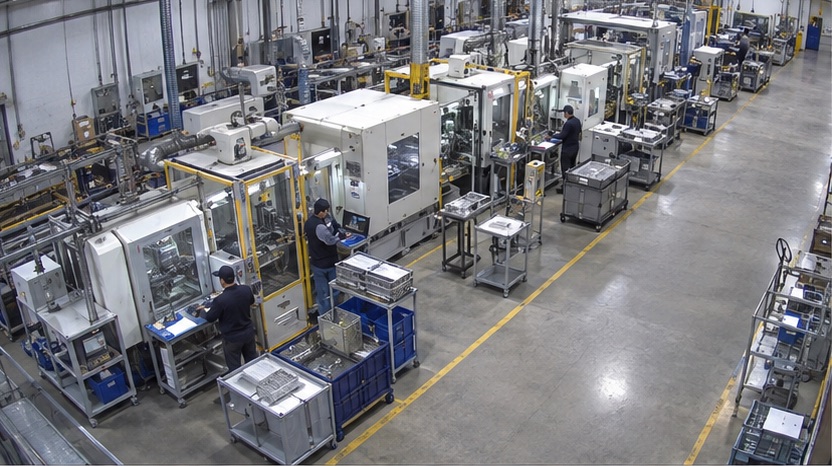
Production flow analytics follows work across stages, from processing to transfer and waiting. Use the timing and supporting footage to find which handoff holds back output
 View image at full size01
Separate working, waiting, processing, and completion time at each production stage.
Compare stages before changing line balance or shift coverage.
 View image at full size02
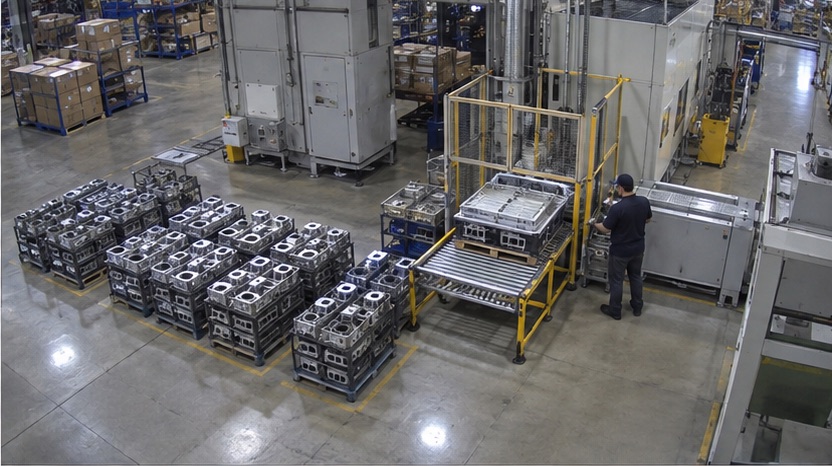
Measure the time between one completed stage and the next start.
Find the handoff that holds finished work before the next operation.
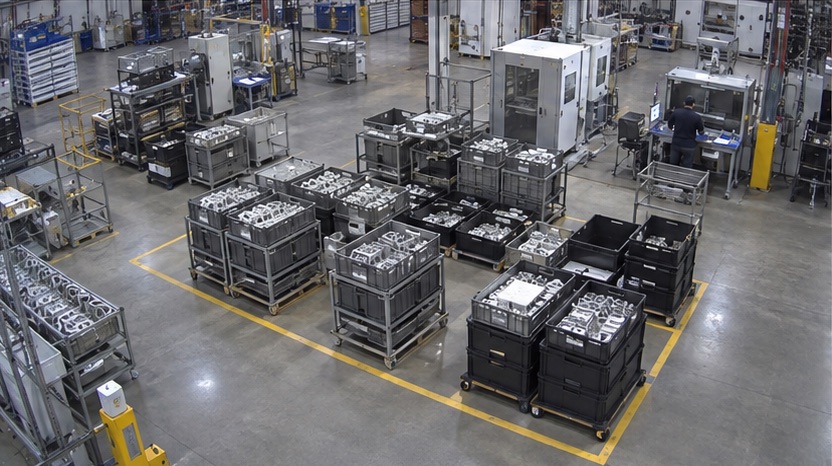 View image at full size03
See where unfinished work accumulates and how long it remains between stages.
Change staging rules where work repeatedly waits without progressing.
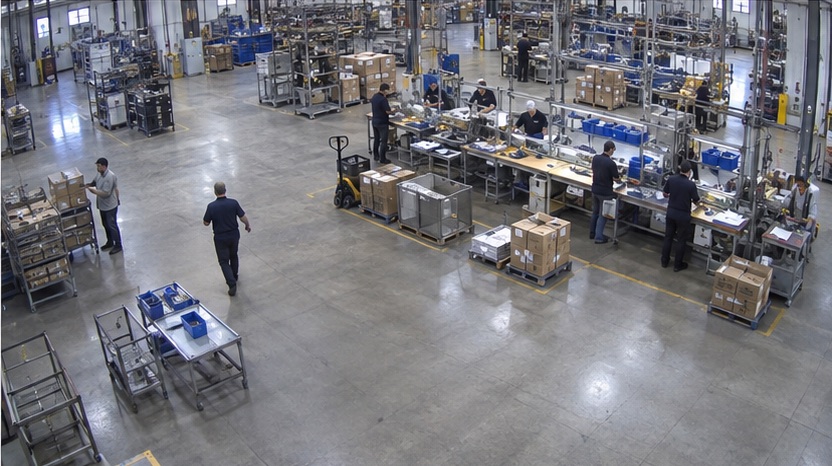 View image at full size04
Compare completed output with labor time across the same operating period.
Review where paid time is absorbed by waiting, walking, or blocked work.
Start with one production decision
FAQ
Counting points, transfer waits, product mix, and evidence behind a throughput change.
Discuss your site's requirementsGeneral questions & other industriesAlign production plans and completed-unit records with processing, waiting and transfers between stages. AI highlights the handoff limiting flow and recommends sequence or staffing changes. The production lead reviews the evidence and approves a plan, then compares waiting and throughput during the next comparable run.
What to measureCompleted units and transfer-wait minutes by stage and comparable shift.
Review repeated queues immediately before a stage and whether the downstream station is available. Rank recurring waiting intervals, not just the longest single incident. Confirm material and maintenance context with the responsible team before assigning a cause.
What to measureRepeated wait duration, downstream availability, and the affected output interval.
Keep the unit definition, product mix, and shift length comparable. Measure the same counting points before and after the change, and record changeovers and missing footage. More movement is not the same as more completed output.
What to measureUnits per observed production hour, with exclusions and sample size reported.
Agree on the work, waiting, transfer, and completion definitions and observation period with the site team. Comparisons of staffing and output require aligned shift and production records.