Build a rule in plain language
Describe the operating goal. Review the cameras, data, threshold and responsible team before enabling the rule.
See the workflow
Venue operations optimization
Ask an operating question, inspect its evidence, approve an action and compare the result in the product workspace.
Inside Fortune AI
Set the review scopeAsk the question
Choose the site, zone and period. Ask the question your team needs answered.
Matched evidence
Inspect the evidence
Inspect linked records and camera evidence from the same operating period.
Accountable action
Review the next action
The venue operations manager approves the change and assigns responsibility. Compare results in the next period with comparable attendance, event phase, opening hours and offer.
Outcome comparison
Responsible team · Venue operations manager
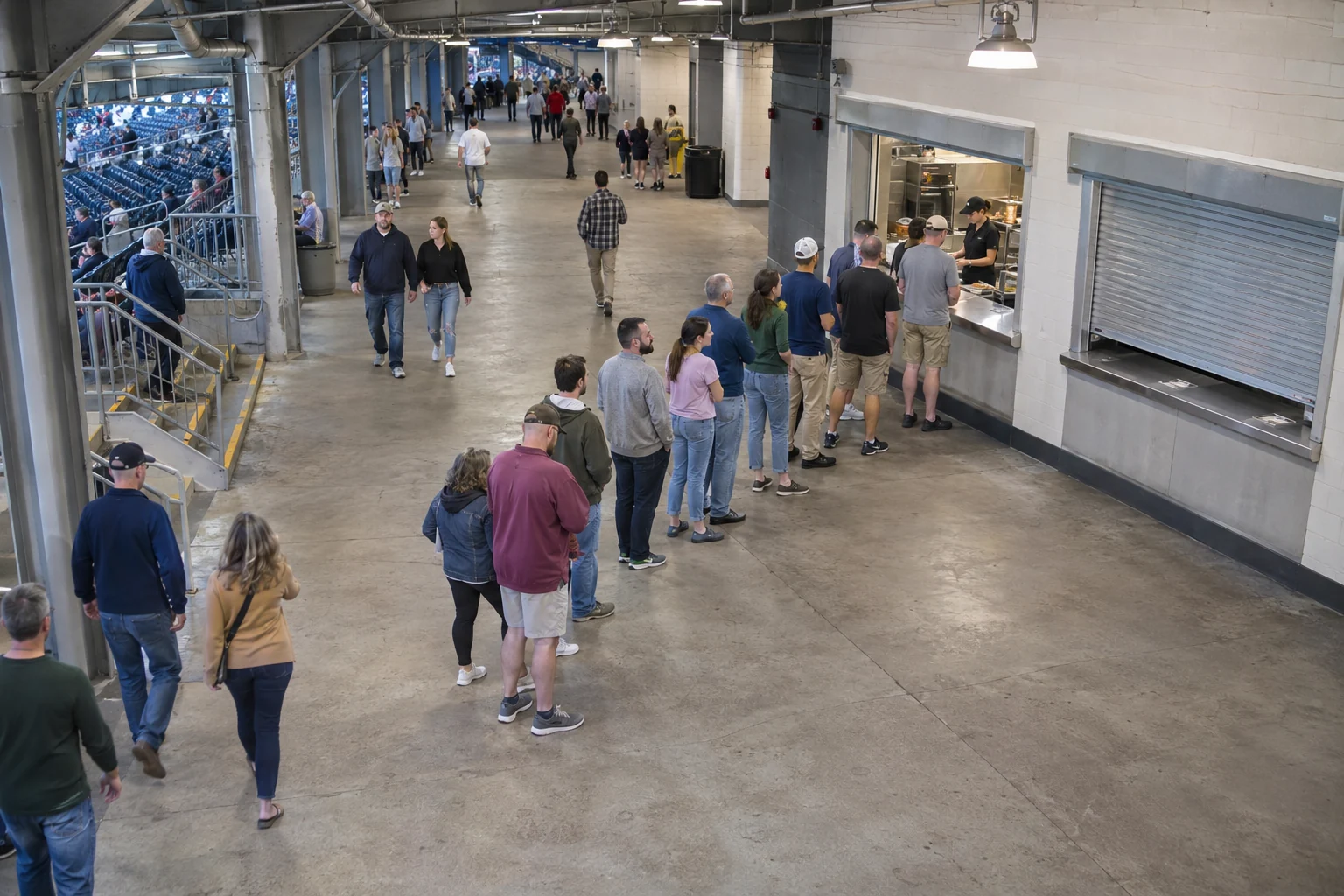 Concession service coverage
Operating rule
Demand is concentrated at one service window
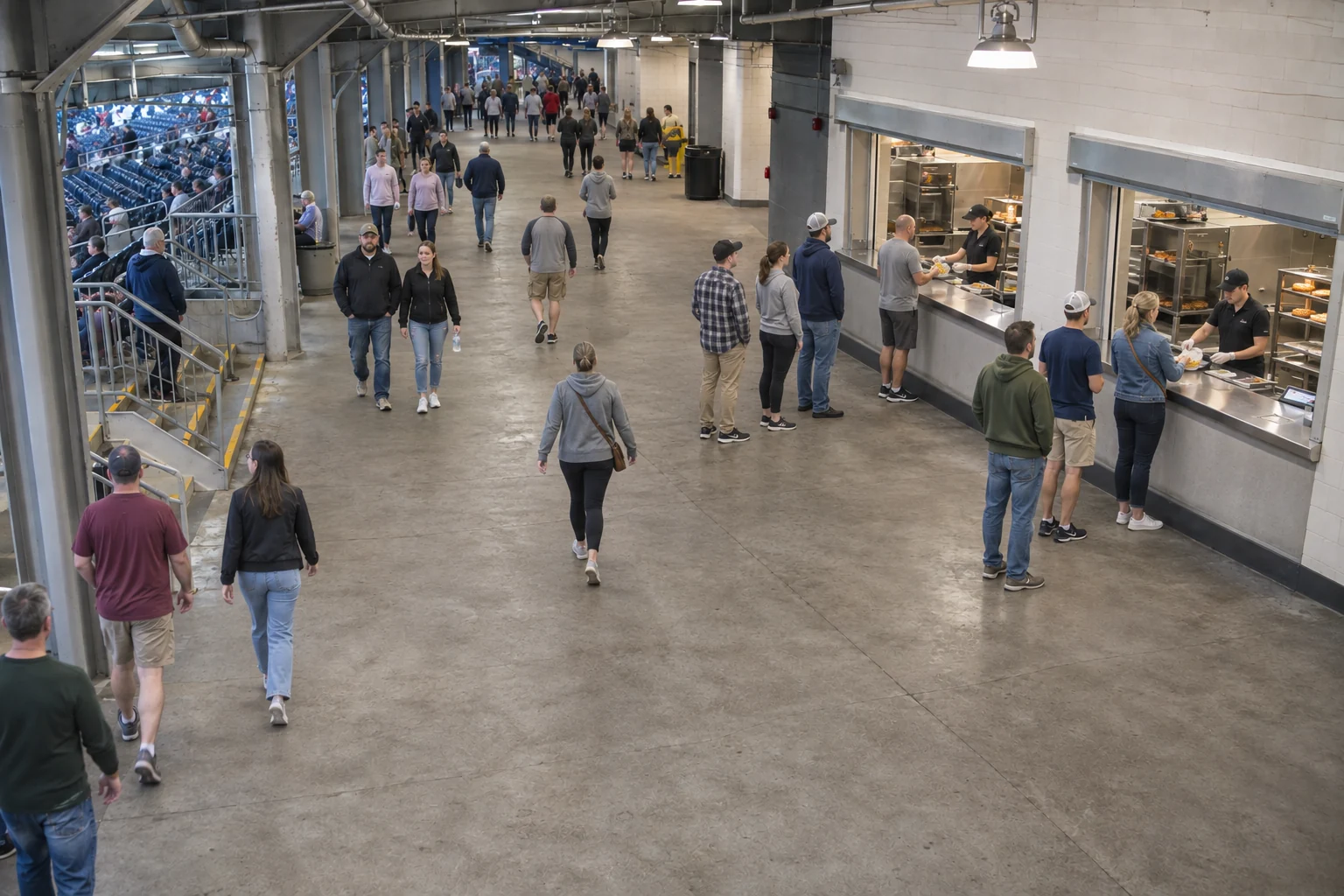 Concession service coverage
Approved next action
OwnerVenue operations lead
Inside the product
Where is guest demand outgrowing service capacity?
Select the site, zone and period. Keep the same boundaries and measurement definitions in the later comparison.
Review ticketing, reservations, check-ins, POS, event schedules and staffing records alongside actual arrivals, queue entry, service starts, handoffs and guest flow by zone.
Inspect the attached records and scene. Check what the recommendation proposes to change and which evidence supports it.
Route the change to the venue operations manager for approval. Assign an owner and an execution time before handing over the task.
Reopen the review for the next period with comparable attendance, event phase, opening hours and offer. Compare the agreed measure and retain the approved change in the operating plan.
Inside the venue
Entry surges and concession peaks occur at different event phases. See which gate, concourse or service point constrains the fan journey.

MAIN CONCOURSE · CONCESSIONS
Interior demand in view
In-venue operating view
Compare circulation and concession arrivals
Adjust stand coverage or usher placement
Check waits and flow in the next event phase
Review by event phase
Inside the platform
Respond to today’s event and improve the next operation. Keep the rule, evidence, owner and result connected.
Describe the operating goal. Review the cameras, data, threshold and responsible team before enabling the rule.
See the workflowConnect the event, supporting evidence and next action. Track acknowledgement, due time, escalation and completion in the same record.
See the workflowAsk a question or schedule a report. Receive cited findings, an action plan for approval and a comparison of the resulting business outcome.
See the workflowFortune AI
See your records, the relevant scene and an accountable next action in one review.