
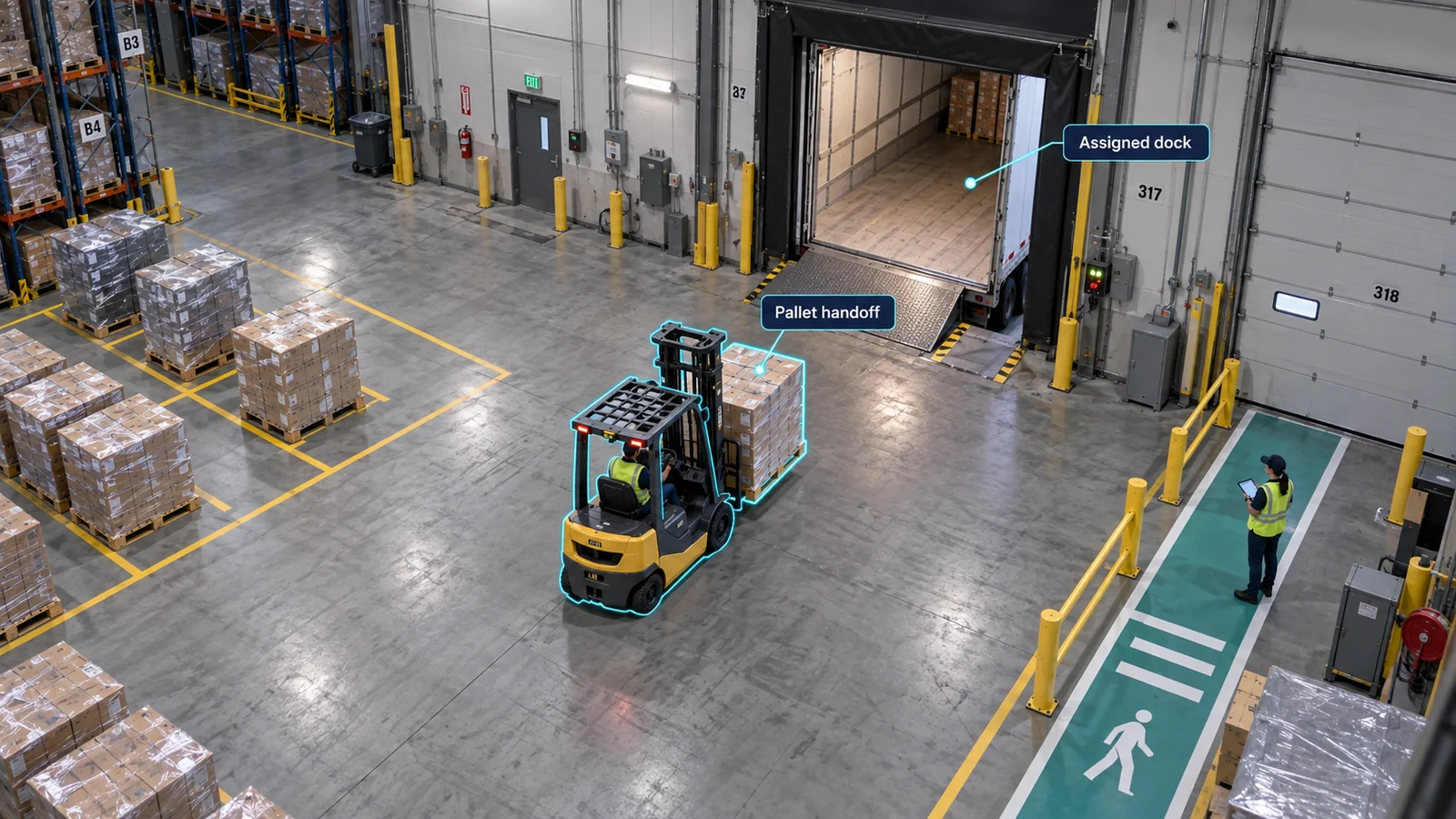
Direct answer
How do warehouses reduce shipping errors?
Reduce warehouse shipping errors by checking four facts before release: the logistics-unit identifier, required quantity, destination, and assigned dock or trailer. WMS or TMS records and barcode or RFID scans should control the shipment. Camera evidence is useful when the digital record and the visible loading handoff disagree, but appearance alone is not reliable identity evidence.
01 · Name the error
Which warehouse shipping errors need different controls?
| Error | Primary control | Evidence to keep |
|---|---|---|
| Wrong pallet or item | Stable pallet or logistics-unit identifier matched to the shipment. | Shipment record, identifier scan, dock and trailer assignment, and the visible handoff. |
| Short shipment | Required quantity reconciled before release. | Expected and scanned quantities, unresolved exceptions, and loading sequence. |
| Wrong dock or trailer | Door, route, vehicle, and destination validation. | Assignment record, arrival window, scan location, and camera interval. |
| Duplicate or missing event | Transaction discipline and exception ownership. | Event history, reversals, timestamp alignment, and authorized resolution. |
02 · Control the release
What should happen before an outbound load is released?
- Build the expected load. Record the shipment, logistics-unit identifiers, quantities, destination, dock, trailer, and authorized loading window.
- Validate each physical handoff. Scan the identifier at the agreed control point and keep unresolved or unreadable units out of the release sequence.
- Reconcile the completed load. Compare required, scanned, missing, duplicate, and exception states before departure.
- Assign the decision. An authorized operator resolves or escalates the exception. An AI result should not release or block a shipment by itself.
03 · Review the physical handoff
How can camera footage help verify a warehouse shipment?
Use an approved fixed camera to review a bounded dock or loading interval when a shipment record, scan, or claim is disputed. Connect the clip to the shipment through a readable identifier or another validated event link. Keep the expected record, observed movement, clip, uncertainty reason, reviewer, and resolution in the same case.
A camera cannot establish the contents of a sealed pallet, recover an unreadable identifier, or prove what happened outside its view. Similar-looking pallets should remain unverified until another trusted record resolves the identity.
04 · Measure the control
Which shipping-error metrics should be compared?
- Confirmed errors per 1,000 reviewed shipments
- Wrong-pallet, short-shipment, wrong-dock, and unresolved cases reported separately
- Active investigation minutes and elapsed resolution time
- Share of eligible handoffs with sufficient record and camera coverage
- Exceptions caught before departure versus reported after departure
Publish the reviewed shipment count, load mix, operating period, and unresolved share with any result. Compare like-for-like shifts and shipment classes after changing one release rule.
Review your outbound controlSources and method
What this guide is based on
This page combines Fortune AI's operating-measurement method with the sources below. It does not report customer performance unless a result is explicitly identified as a customer result.
- Bay Area warehouse customer case studyHow inventory-record accuracy and warehouse productivity meet at a bounded shipment handoff.
- GS1 Logistic Label GuidelineHow an SSCC uniquely identifies a logistics unit and connects it to electronic records.
- GS1 Global Traceability StandardTraceability roles, events, and data across shipping and receiving.